1
5.5.1.2
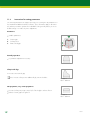
Wax-up
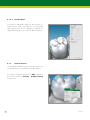
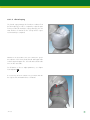
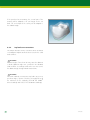
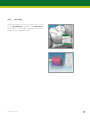
The following chapter describes how to adapt the anatomy
of a prothesis on a wax-up.
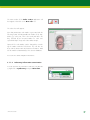
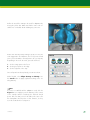
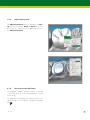
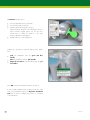
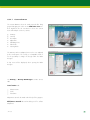
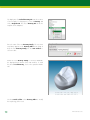
To scan a wax-up, create your order with the required prosthesis type. Any prosthesis type that has an anatomy will
work.
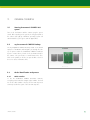
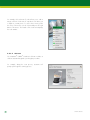
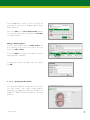
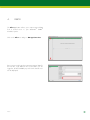
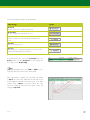
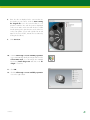
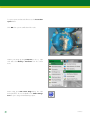
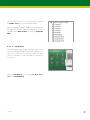
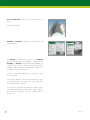
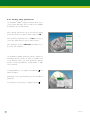
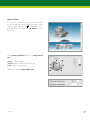
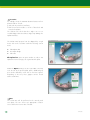
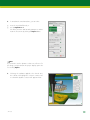
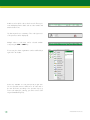
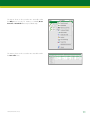
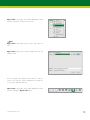
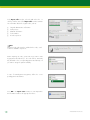
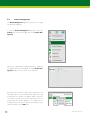
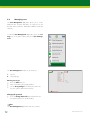
Open the Arch Scan Parameters and select Wax-Up from
the Scan options.
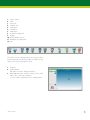
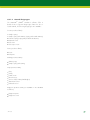
Proceed as follows:
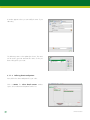
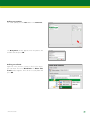
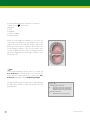
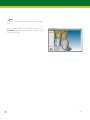
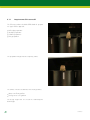
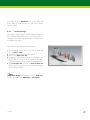
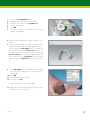
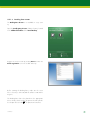
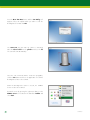
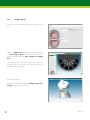
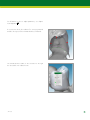
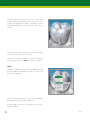
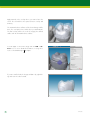
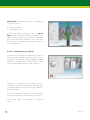
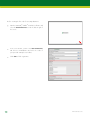
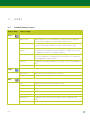
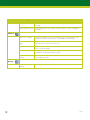
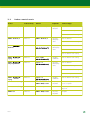
Scan the model without wax-up.
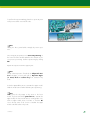
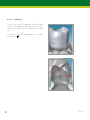
Scan the model with wax-up.
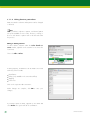
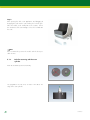
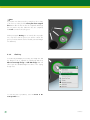
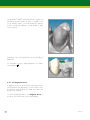
Scan the dies in the cylinder.
SCANNING
57