1
SharpSchool User Manual
Chapter 14: Workspaces
Module: Form Template
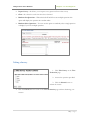
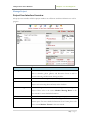
Form Templates are templates that are used as a standardized form from which individual form
instances can be generated. They can also be copied and changed to create other new form templates.
The form template acts as a master copy of the form and individual submissions are copies of the
template. Any changes made to the form template will result in a change to all future submissions
for that form.
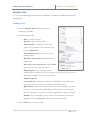
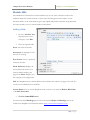
Adding a Form Template
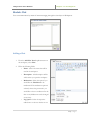
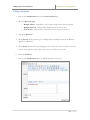
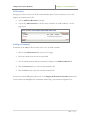
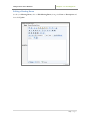
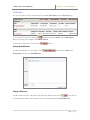
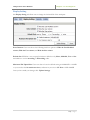
1) Select Form Template from
the Add New Item dropdown
menu.
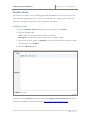
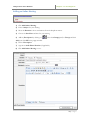
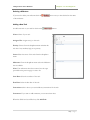
2) Enter a Name for your form.
This will be the display name for
your form.
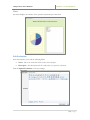
3) Select a Locale.
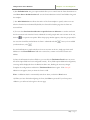
4) To add the template to one or
more categories, click the
icon to the right of the Category
field. A list of categories and
subcategories will appear.
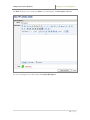
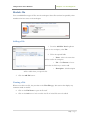
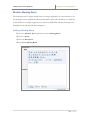
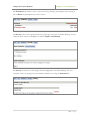
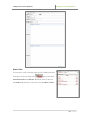
5) The Template Content area
is the body of your form. The
Rich Text editor grants you the
ability and freedom to design the
form as you choose. You may
design and customize the form to
your specifications.
29 | P a g e