1
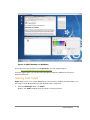
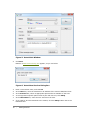
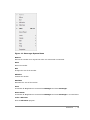
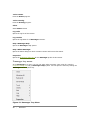
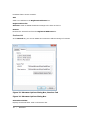
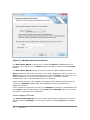
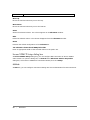
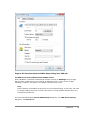
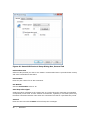
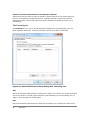
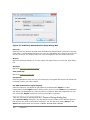
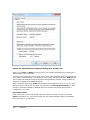
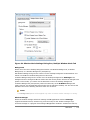
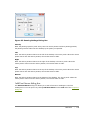
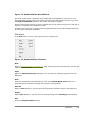
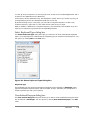
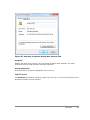
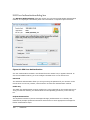
Figure 64: Window Mode Settings Dialog Box, Multiple Window Mode Tab
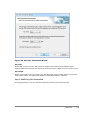
Background
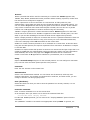
Select one of the three desktop background modes: MS Windows Background, X Window
Background, or X Window Background (Transparent).
MS Windows Background gives the control over the desktop background to MS Windows. You
cannot use the X root window background in this mode.
X Window Background gives the control over the desktop background to Xmanager. The
background will be changed to X root window and the mouse pointer will also be changed to X
pointer. In this mode, you cannot use the Windows icons on the desktop background.
X Window Background (Transparent) works the same way as the X Window Background
mode. However, the desktop background looks like the Windows desktop. You can still see the
Windows icons on the desktop, but those icons are not active.
Notes
The Background option will be applied only when a remote window manager is running.
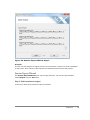
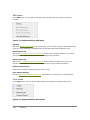
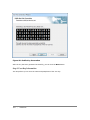
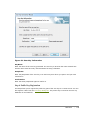
Window Manager
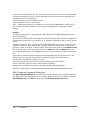
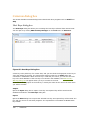
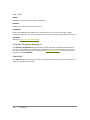
Select the window manager which will manage each X application window. Xmanager
supports Automatic Switch, Remote Only, and Local Only for the window manager style.
A window manager is a program that manages X application windows. It attaches a title bar,
Reference
|
127