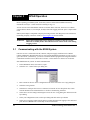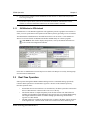
1
Chapter 2
SPAN Installation
X
Y
Z
7-15 VDC
3
4
1
2
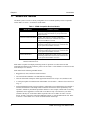
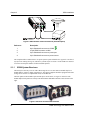
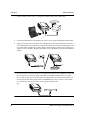
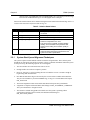
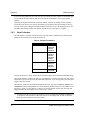
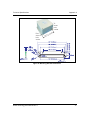
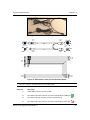
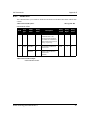
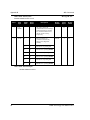
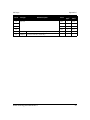
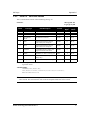
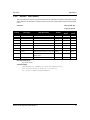
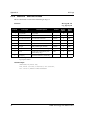
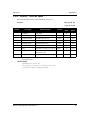
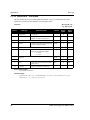
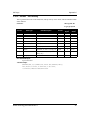
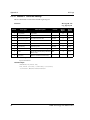
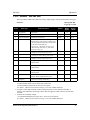
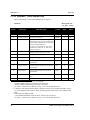
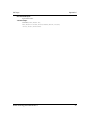
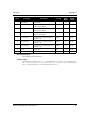
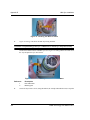
Figure 5: IMU Interface Cable Connections (ProPak-LBplus)
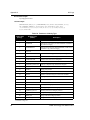
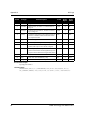
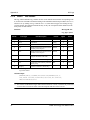
Reference
1
2
3
4
Description
8-pin Switchcraft connector to COM3
10-pin LEMO connector to IMU
2-pin Switchcraft connector to power port
2-pin Switchcraft connector to power source
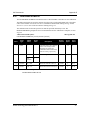
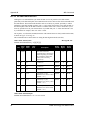
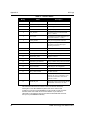
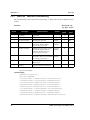
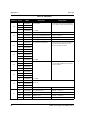
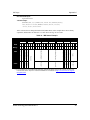
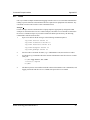
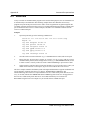
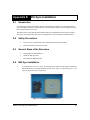
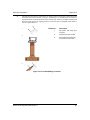
The setup that follows outlines how to set up the system’s parts and cables. See Appendix A Technical
Specifications starting on Page 36, and refer to your DL-4plus or Volume 1 of the OEM4 User Manual
set for the NovAtel part numbers of cables and their pinouts.
2.1.1
SPAN System Receivers
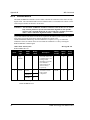
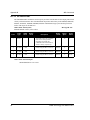
The DL-4plus is the only receiver with a data storage device. To store data on a ProPak-G2plus or
ProPak-LBplus, connect a laptop computer to it. The laptop computer should be equipped with a data
storage device such as a Compact Flash Card, CD or MP3 disc.
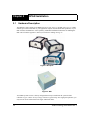
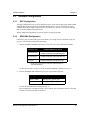
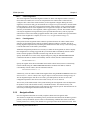
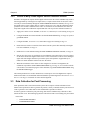
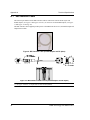
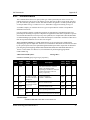
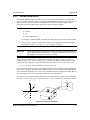
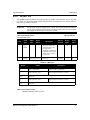
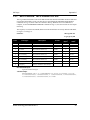
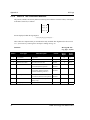
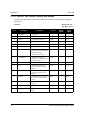
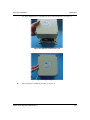
The back panels of the ProPak-G2plus and DL-4plus are the same, see Figure 6 on the left. The
ProPak-LBplus back panel uses mostly Switchcraft rather than DB9 connectors and is shown on the
right.
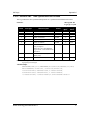
Figure 6: Receiver Enclosure Back Panels
20
SPAN Technology User Manual Rev 7