1
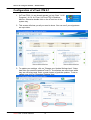
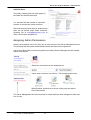
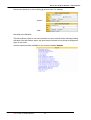
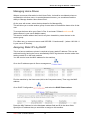
Once these basic settings have been adjusted, you will be able to create non user
calendars. Display the list at the top or bottom, it’s your choice.
Other
Email
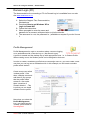
Colours - to suit your school
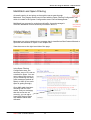
It is ideal to set up a couple of Non User Calendars – School Events and Holidays.
And have them layered on to users own calendars in another colour.
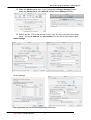
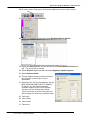
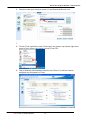
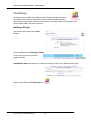
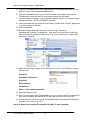
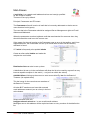
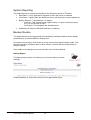
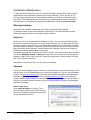
In Admin select Users then Non User Calendar Tab
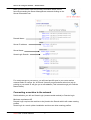
Select the Add New Non User
calendar link
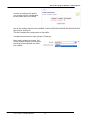
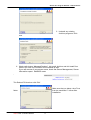
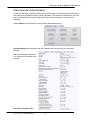
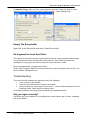
The Calendar ID has to be unique and
have no spaces
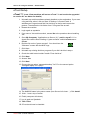
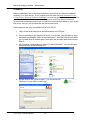
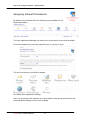
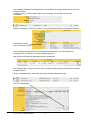
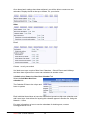
Each individual that wishes to have the information layered on their own calendar must
add it as a layer. Instructions for layering this calendar appear in Section 2a. Using the
Network – Users
For more information on how to use the calendars for bookings etc, contact
Paula@smartcom.co.nz
Smart-Net 2.1 User’s Manual
38