1
MED ASSOCIATES INC.
VIDEO FEAR CONDITIONING
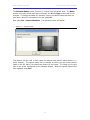
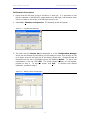
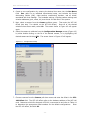
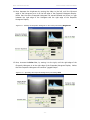
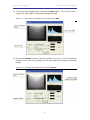
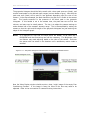
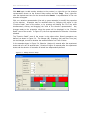
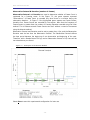
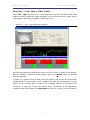
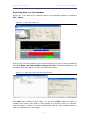
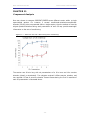
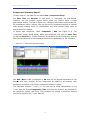
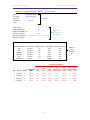
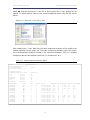
The grayscale histogram should be fairly smooth with a clear peak near zero (black), and
several broad peaks in the mid and upper ranges (various shades of gray). Note that the
peak near zero (black) will be more or less apparent depending upon the view of the
camera. In the above example, the black handle on the grid floor is visible in the camera
view. This handle accounts for the presence of the black peak in the grayscale
histogram. If this handle is not in the camera view, the peak near zero will be less
obvious, and may even be totally absent. The key is to adjust the camera settings to
make maximal use of the camera’s dynamic range. This is accomplished by setting the
camera so that the right and left edges of the grayscale histogram are just reaching the
edges of the histogram graph.
NOTE:
It is important to note that the steps above are MEANT TO BE USED AS A
GUIDELINE and that fine-tuning may still be necessary. The Brightness, Gain
and Shutter may need adjusting based on the color of the animal. Fine-tune
the system with the animal in the chamber until a satisfactory motion index is
attained.
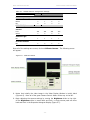
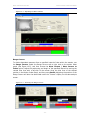
Figure 4.13 - Grayscale Histogram Characteristics of Properly Calibrated Camera
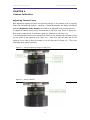
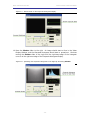
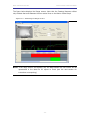
Now the Video Display window should contain a clear, bright image of the empty Fear
Conditioning Chamber. If the image is fuzzy the focus of the lens may need to be
adjusted. Refer to the next section for camera focusing instructions.
- 29 -