1
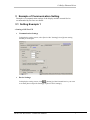
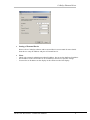
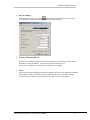
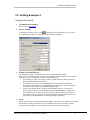
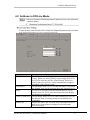
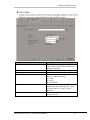
CoDeSys Ethernet Driver 3 Example of Communication Setting Examples of communication settings of the display and the external device recommended by Pro-face are shown. 3.1 Setting Example 1 Setting of GP-Pro EX Communication Settings To display the setting screen, select [Device/PLC Settings] from [System setting window] in workspace. Device Settings ([Setting]) of the External Device you want To display the setting screen, click to set from [Device-Specific Settings] of [Device/PLC Settings]. GP-Pro EX Device/PLC Connection Manual 7