1
Directory
Review the directory
Review directory entries
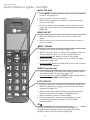
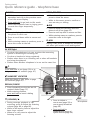
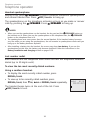
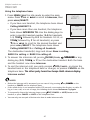
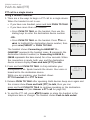
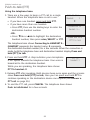
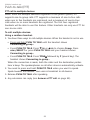
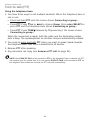
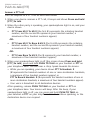
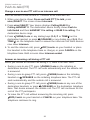
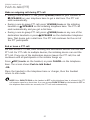
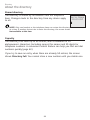
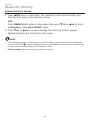
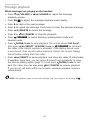
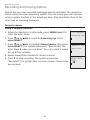
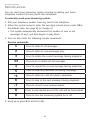
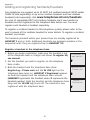
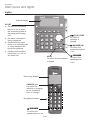
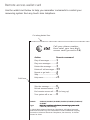
1.Press pDIR when in idle mode. The summary screen shows briefly and
then the first entry in the directory shows.
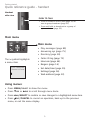
-OR Press MENU/SELECT when in idle mode, then press qCID or pDIR to scroll
to Directory. Press MENU/SELECT twice.
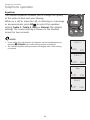
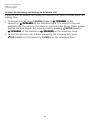
2.Press qCID or pDIR to browse through the directory. Entries appear
alphabetically by the first letter in the name.
NOTES:
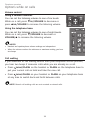
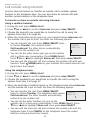
• If the telephone number in the directory exceeds 15 digits, < appears in front of the telephone
number. Press TONE to move towards the end of the telephone number or press # (pound key)
to move towards the beginning of the telephone number.
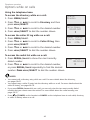
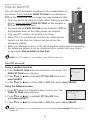
• Directory empty appears if there are no directory entries.
61