1
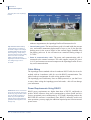
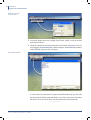
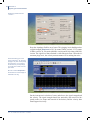
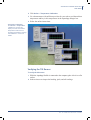
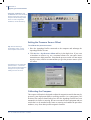
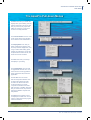
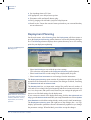
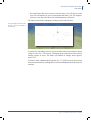
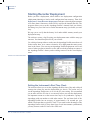
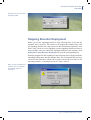
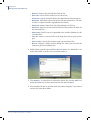
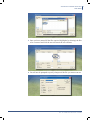
Aquadopp CURRENT PROFILER 41 User Guide Note! If data download is The standard baud rate is 9600, and we recommend that you use this baud rate interrupted the Aquadopp Profiler unless you have a good reason to change it. may be left with a baud rate setting other than the one used for normal communication. When To change the baud rate and make it permanent, do the following: the software tries to establish 1 Set up the Aquadopp Profiler and connect it to your computer. communication in such cases, it may spend a few moments 2 Set the baud rate in Communication > Serial Port to the baud rate you prefer. searching for the current baud Start a deployment, and then stop it. The last step makes the new baud rate rate. permanent. If you remove power and reapply it, the Aquadopp Profiler will re-awake with the new baud rate. Doc. No: N3009-103 • Revision C • 01.2008 Note! The Aquadopp software