1
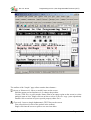
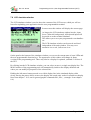
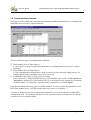
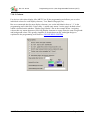
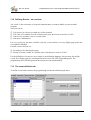
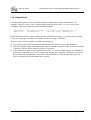
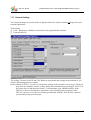
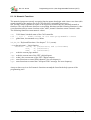
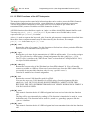
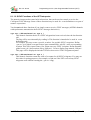
Doc.-Nr. 85110 Programming tool for „User Programmable Terminal“ (UPT) 7.17 General Settings The General Settings are used to define or display some basic features that do not depend on your terminal application. This includes CAN – Baudrate to establish a connection to the programmable terminal Terminal node ID The settings Terminal Node ID and CAN-Baudrate must match the settings in the terminal, if you want to upload programs successfully. In the terminal „UPT515“ you have to check these settings in the terminal’s setup-menu, which you may enter (for firmware-release 29-May-2000) after simultaneously pressing F2 and F3. Use the cursor keys to find the menu-entries „CAN-Baudrate“ and „Modul/NodeID“ in the UPT515 to check or modify these parameters. After modifying the parameters in the UPT515 you have to save the new settings permanently with the „Save & Exit“-function (second entry in the system menu) ! © MKT / Doc.-Nr. 85110 Version 1.6 Page 41 / 69