1
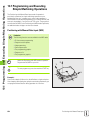
12.8 Datum Setting with 3-D Touch Probe
12.8 Datum Setting with 3-D Touch
Probe
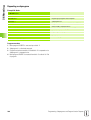
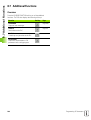
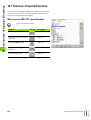
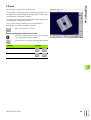
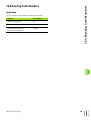
Overview
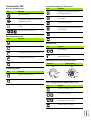
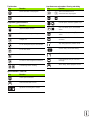
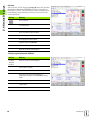
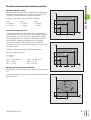
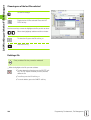
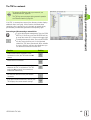
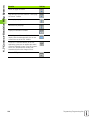
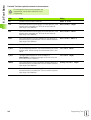
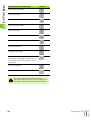
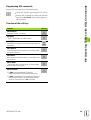
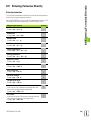
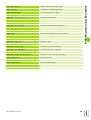
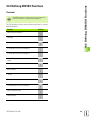
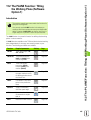
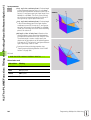
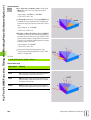
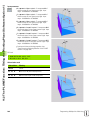
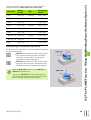
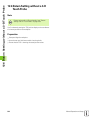
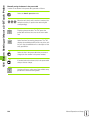
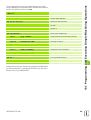
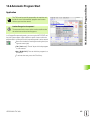
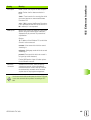
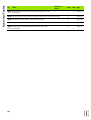
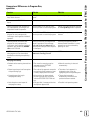
The following soft-key functions are available for setting the datum on
an aligned workpiece:
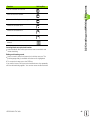
Soft key
Function
Page
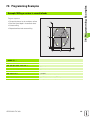
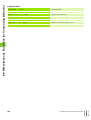
Datum setting in any axis
Page 339
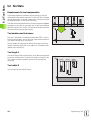
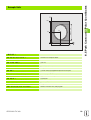
Set a corner as datum
Page 340
Set a circle center as datum
Page 341
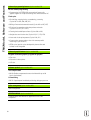
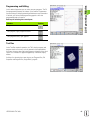
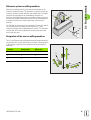
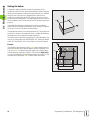
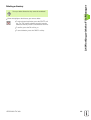
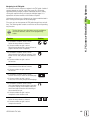
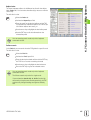
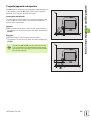
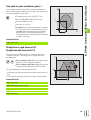
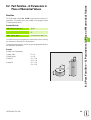
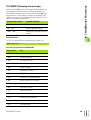
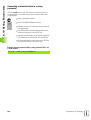
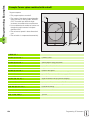
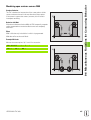
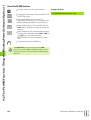
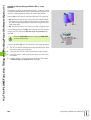
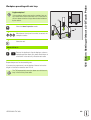
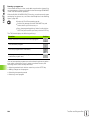
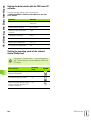
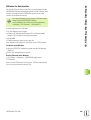
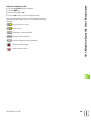
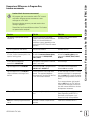
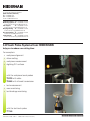
Datum setting in any axis
U
Select the probe function by pressing the PROBING
POS soft key.
U
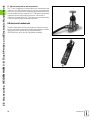
Move the touch probe to a position near the touch
point.
U
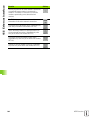
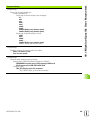
Select the probe axis and direction in which you wish
to set the datum, such as Z in direction Z–. Selection
is made via soft keys.
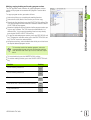
U
To probe the workpiece, press the machine START
button
U
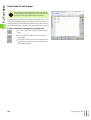
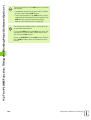
Datum: Enter the nominal coordinate and confirm your
entry with the SET DATUM soft key, see "Writing the
measured values from touch probe cycles in datum
tables", page 332
U
To terminate the probe function, press the END soft
key.
HEIDENHAIN TNC 620
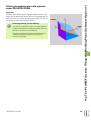
Z
Y
X
339