1
MicroDS User’s Manual
SECTION 2: INSTALLATION
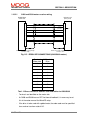
2.3.2.3 Filter installation
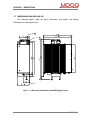
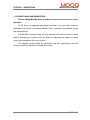
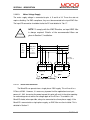
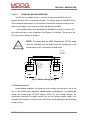
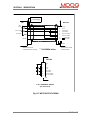
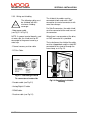
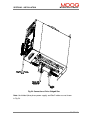
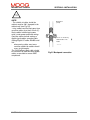
The filter must be mounted on the same panel as the drive.
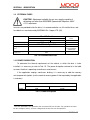
CAUTION: A space of at least 60mm (2.4”) must be left around the
filter for air circulation when the cabinet does not have forced
ventilation.
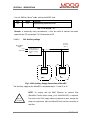
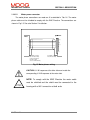
The filter must be located as close as possible to the drive input. If the separation
between filter and drive exceeds 30 cm (1’) , then a flat cable (multi-thread copper flat
cable) should be used for the RF connection between filter and drive.
NOTE:
Required for
CE-Compliance
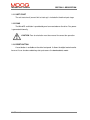
Before mounting the drive and the filter to the cabinet,
check that the panel surface is conductive. If not, remove any paint
and/or other insulating material before mounting the drive and filter.
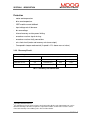
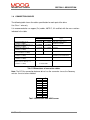
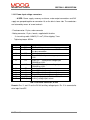
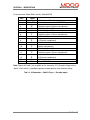
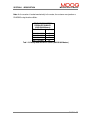
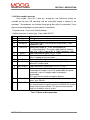
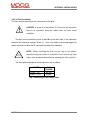
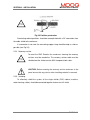
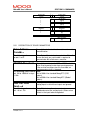
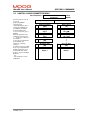
The max tightening torque of mounting screws are as follows:
FILTER
FN 258 - 7/07
FN350 – 12/29
MAX
TORQUE
0.8 Nm
0.5Nm
Tab 2.3 Mounting screws torque table
PAGE 2-6