1
230 CHAPTER 2
Configuring the System
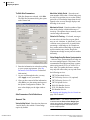
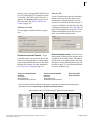
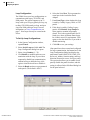
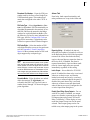
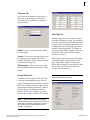
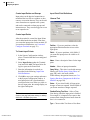
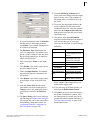
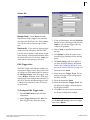
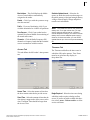
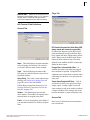
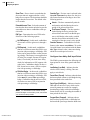
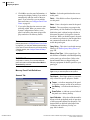
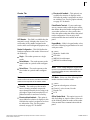
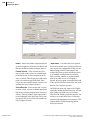
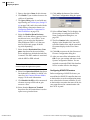
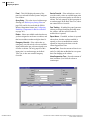
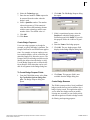
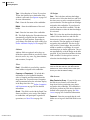
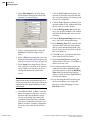
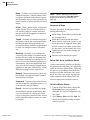
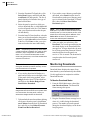
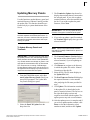
8. Click Floor Tracking to allow the panel to
generate a history message identifying the
badge number, cardholder’s name, elevator, and floor selected when the car-call
button is pressed.
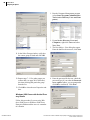
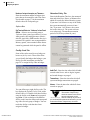
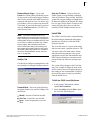
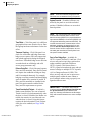
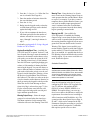
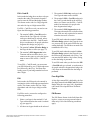
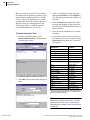
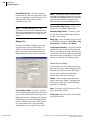
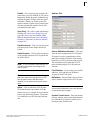
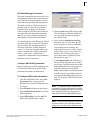
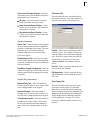
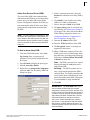
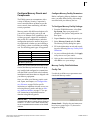
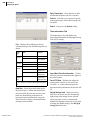
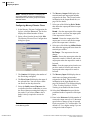
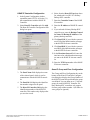
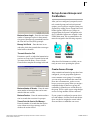
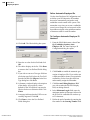
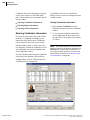
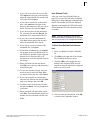
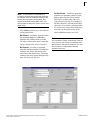
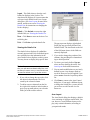
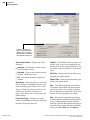
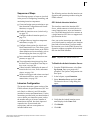
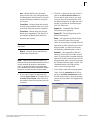
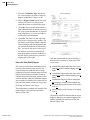
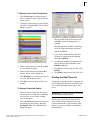
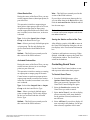
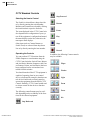
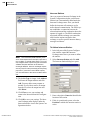
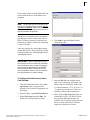
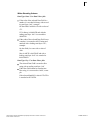
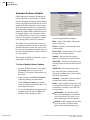
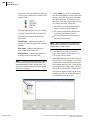
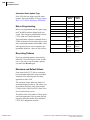
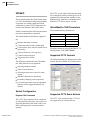
16. In the Elevator Floor Management list box,
select a floor number. Select the Public
Access Timezone defined for public
access. If no time zone is selected, this
floor is not active for public access.
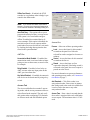
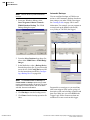
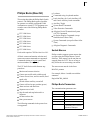
9. Select from the Type drop-down list,
whether this is a COP or DOP KONE IP
elevator.
17. Click Public When Disconnected to specify whether the floor should be in public
access when the KONE IP controller is
offline.
10. Enter the COP Group Address or DOP
Address of the elevator group. This value
must match the address of the elevator
group controller. If you selected a Primary/
Backup KGC controller type, the COP
Group Address must be set to 1.
11. Enter the COP Elevator Address or DOP
Level Number of the elevator cab.
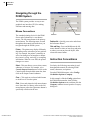
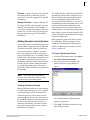
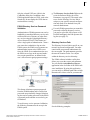
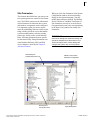
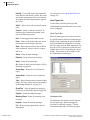
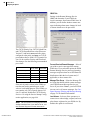
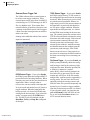
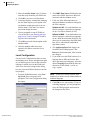
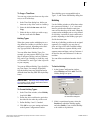
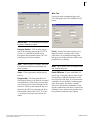
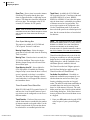
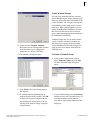
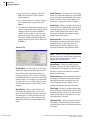
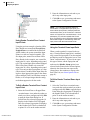
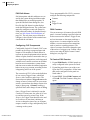
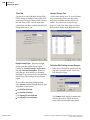
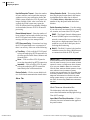
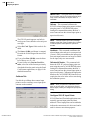
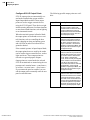
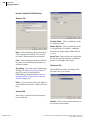
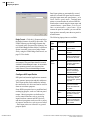
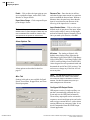
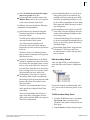
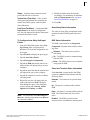
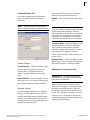
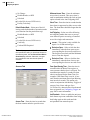
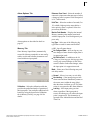
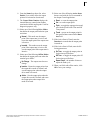
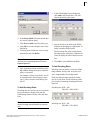
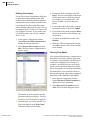
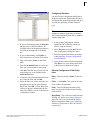
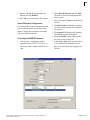
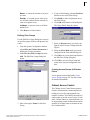
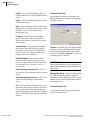
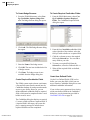
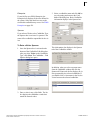
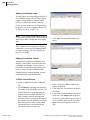
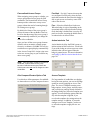
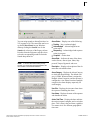
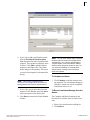
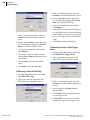
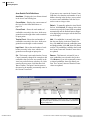
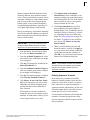
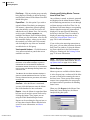
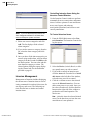
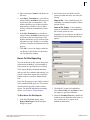
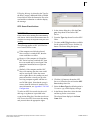
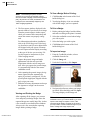
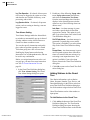
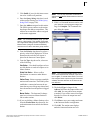
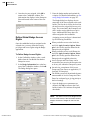
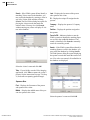
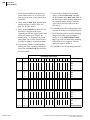
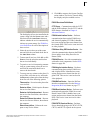
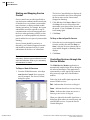
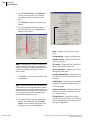
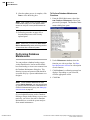
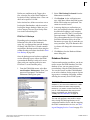
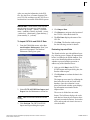
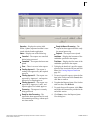
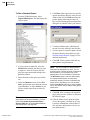
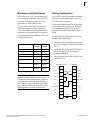
12. In the Elevator Floor Management box,
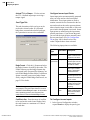
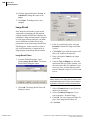
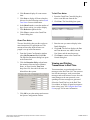
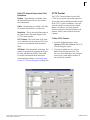
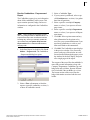
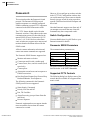
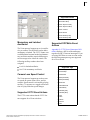
click Select Floors. The Select Floors dialog box open.
18. Repeat this steps for each floor.
19. Click OK to save your KONE IP elevator
configuration.
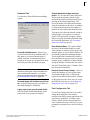
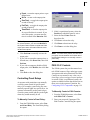
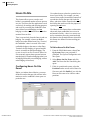
Controlling the KONE IP Portal
Operators with the appropriate permissions can
manually change a specific KONE IP elevator’s mode of operation from a workstation.
To Change Mode of Operation of a
KONE IP Elevator:
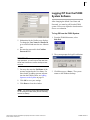
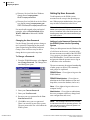
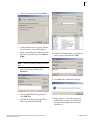
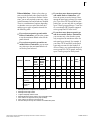
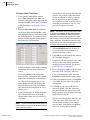
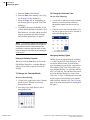
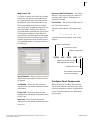
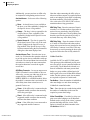
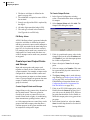
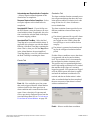
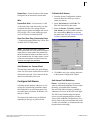
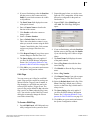
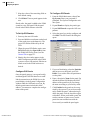
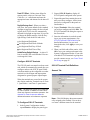
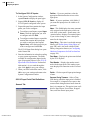
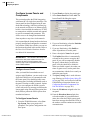
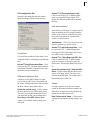
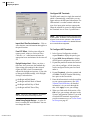
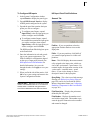
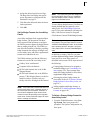
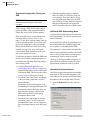
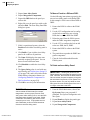
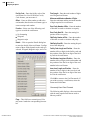
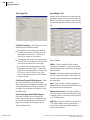
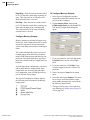
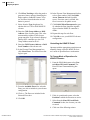
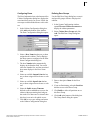
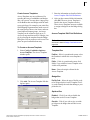
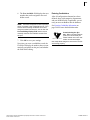
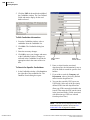
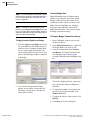
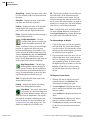
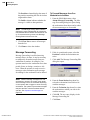
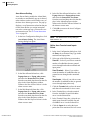
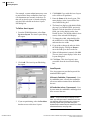
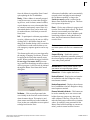
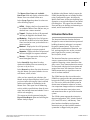
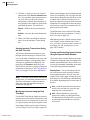
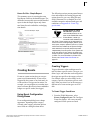
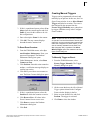
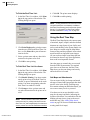
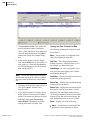
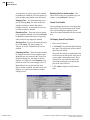
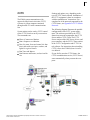
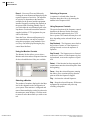
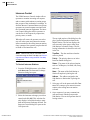
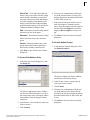
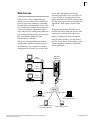
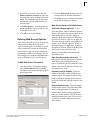
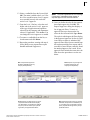
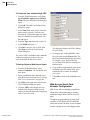
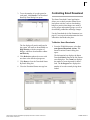
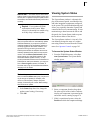
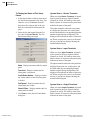
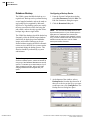
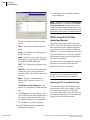
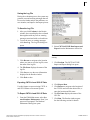
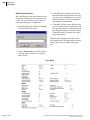
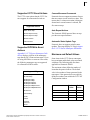
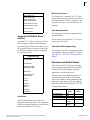
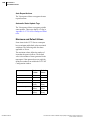
1. From the P2000 Main menu select Control>Kone IP Portal Command. The
Kone IP Portal Command dialog box
opens.
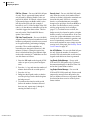
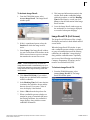
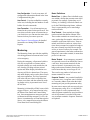
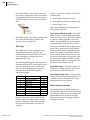
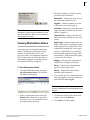
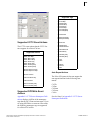
13. From the Available Floors list, select the
floors you wish to include in your elevator
configuration.
14. Click <<. The floors are included in the
Selected Floors box.
15. Click OK.
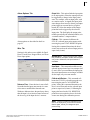
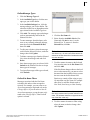
2. If this is a partitioned system, select the
Partition in which the elevators are active.
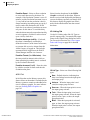
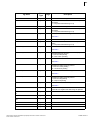
3. Select from the Kone IP Portal Mode
Command list box, the elevator you wish
to control
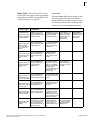
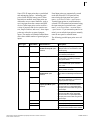
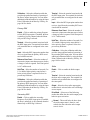
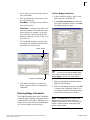
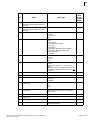
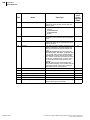
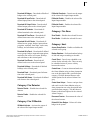
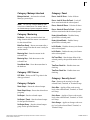
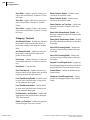
4. Click one of the following actions:
24-10685-157 Rev. D
This document contains confidential and proprietary information of Johnson Controls, Inc.
© 2014 Johnson Controls, Inc.