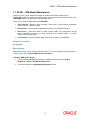
1
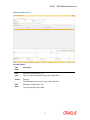
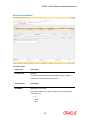
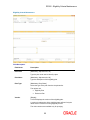
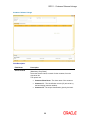
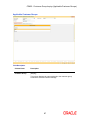
RP003 - Benefit Plan Maintenance
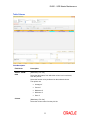
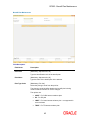
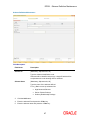
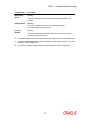
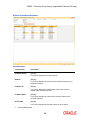
Field Name
Description
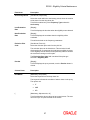
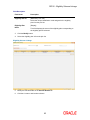
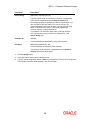
Plan Type Name
[Display]
This field displays the type of the benefit plan corresponding to
the plan type code selected.
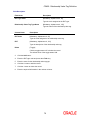
Deviation Rule
[Optional, Pick List]
Select the deviation rule from the pick list.
It is the deviation rule linked at the plan level which is to be
applied to all accounts of the customer getting the benefits. The
deviation rule will be applicable only for the selected component.
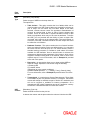
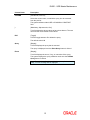
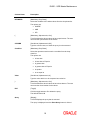
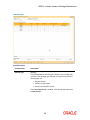
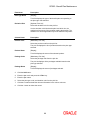
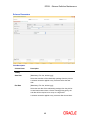
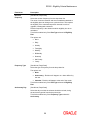
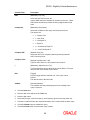
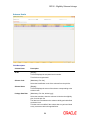
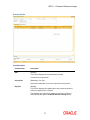
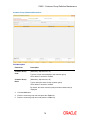
Column Name
Description
Product Code
[Mandatory, Pick List]
Select the product code from the pick list.
The pick list displays the list of products based on the plan type
selected.
Product Name
[Display]
This field displays the name of the selected product.
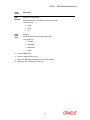
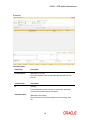
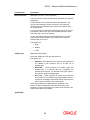
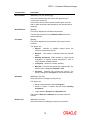
Package Code
[Mandatory, Pick List]
Select the package code from the pick list.
The pick list displays all the packages available based on the
plan type selected.
Package Name
[Display]
This field displays the name of packages selected.
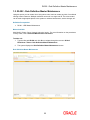
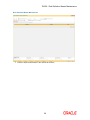
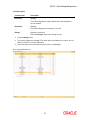
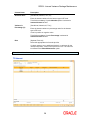
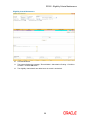
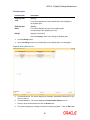
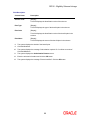
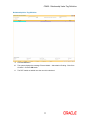
3.
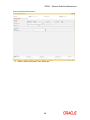
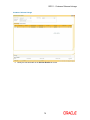
Click the Add button.
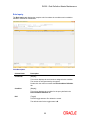
4.
Enter the plan code and press the <Tab> key.
5.
Enter the plan name.
6.
Select the plan type code, and deviation rule from the pick list.
7.
Click the + button and add the relevant information in the various columns.
8.
Click the - button to delete the record.
44