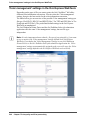
1
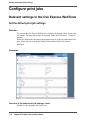
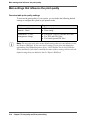
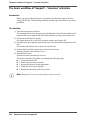
Main settings that influence the print productivity
Main settings that influence the print productivity
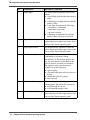
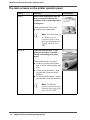
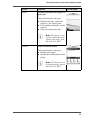
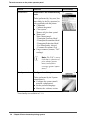
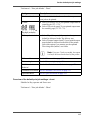
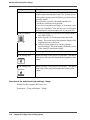
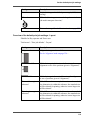
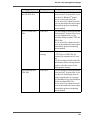
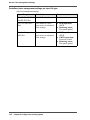
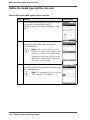
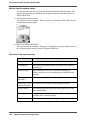
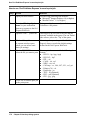
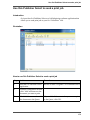
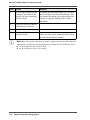
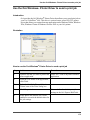
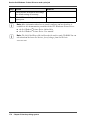
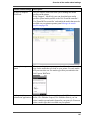
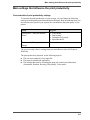
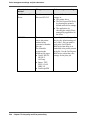
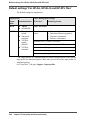
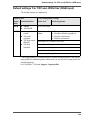
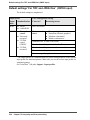
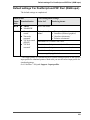
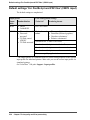
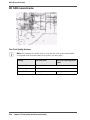
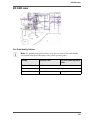
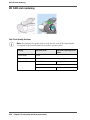
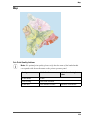
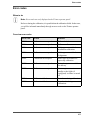
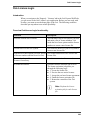
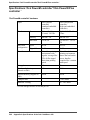
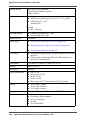
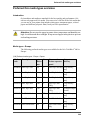
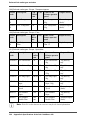
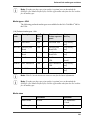
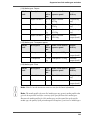
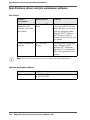
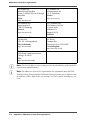
Overview table of print productivity settings
To increase the print productivity of your system, you can change the following
settings to let the printer print faster and more efficiently. Bear in mind that when you
increase the print speed of your system, this can influence the print quality of you
printer.
[85]
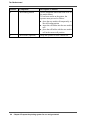
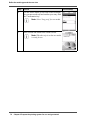
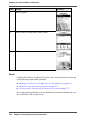
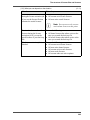
Click
To go to
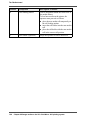
'Preferences' - 'Print job defaults' 'Basic'
■
■
■
■
'Preferences' - 'Print job defaults' 'Image'
'Color mode'
'Print setting'
'Automatic roll switch'
'Spool threshold'
'Rotation'
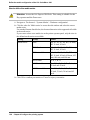
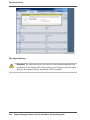
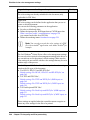
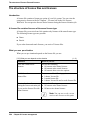
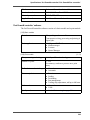
The overview only refers to settings that you can influence in the Océ Express
WebTools.
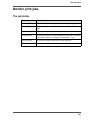
The print productivity depends on the following aspects.
■ The size and complexity of the input file.
■ The print job submission application.
■ The settings that must be set during the print job creation and submission
(Orientation, Rotation, Resizing, Print quality, Color mode).
217