1
Outbound firewall/application control
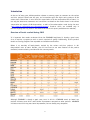
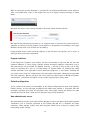
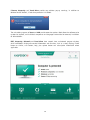
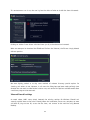
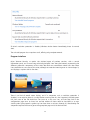
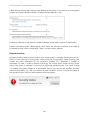
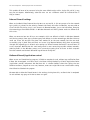
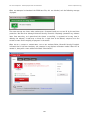
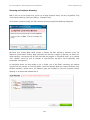
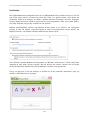
In its default configuration, we found that the eScan firewall allowed our firewall tester to run and
complete its download without any sort of query. Changing the firewall setting from the standard
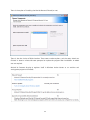
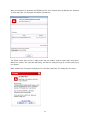
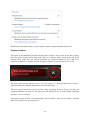
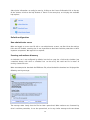
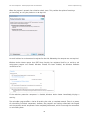
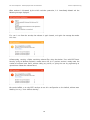
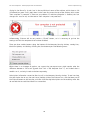
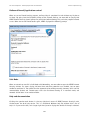
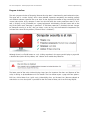
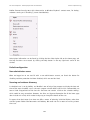
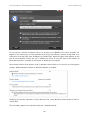
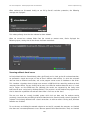
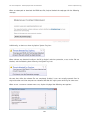
Limited Filter to Interactive Filter produced the following prompt when the firewall tester was run:
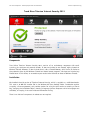
Safe Mode
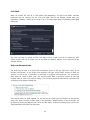
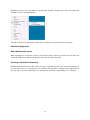
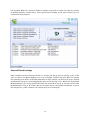
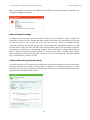
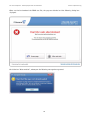
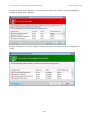
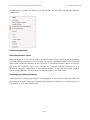
When we started our test PC in Safe Mode with Networking, we found that no scanning or update
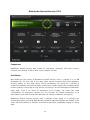
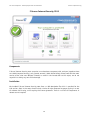
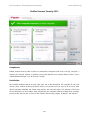
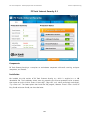
controls were available from the main program window of eScan Internet Security 11. However, we
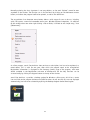
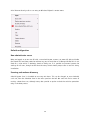
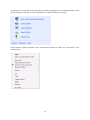
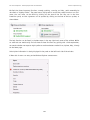
were able to run a context-menu scan of our malware folder; this functioned exactly as it would in
standard mode, and deleted or quarantined all the malware samples.
Help and documentation
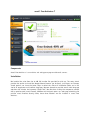
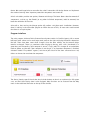
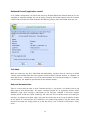
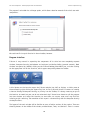
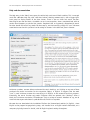
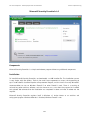
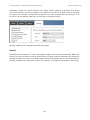
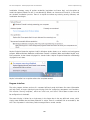
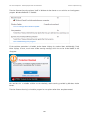
There is no local help function in eScan Internet Security 11, but there is an obvious link on the
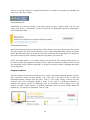
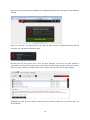
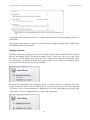
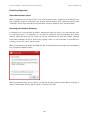
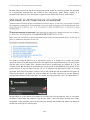
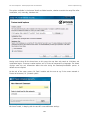
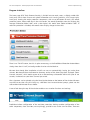
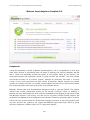
Help page to eScan Online Help. This opens a browser window on an apparently random “eScan
Wikipedia” page, which displays a description of the functions available in the main program
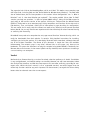
window (which we felt was rather confusing). We could not find an obvious means of showing an
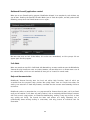
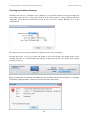
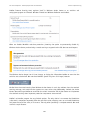
overview, or progressing to other pages. Using the Search function on this page to look for answers
to our queries on scan exclusions and scheduled scans proved to be pointless; very few results were
returned, and these had simply picked up on the text string “scan” as found in the product’s name,
eScan.
75