1
2 Installatiion for Wind
dows (2 CD
Ds)
2.2 MyScrript Studio Notes
N
Editio
on
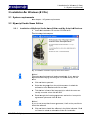
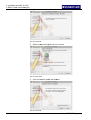
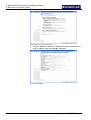
Fig.
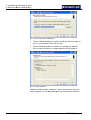
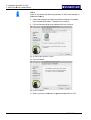
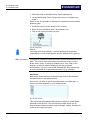
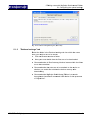
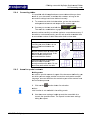
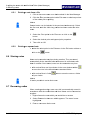
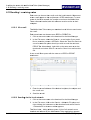
F 23 Setup A
Assistant for My
M Script Ink Retriever
R
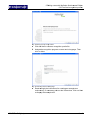
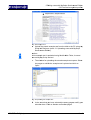
9.
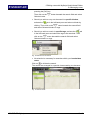
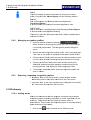
9 Close a
all active applications other than thhe installatio
on and then
n
click on Next.
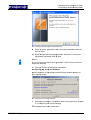
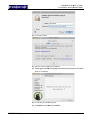
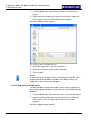
10.
1 Read th
hrough the licensing ag
greement. S
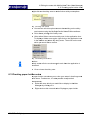
Select the I accept the
agreem
ment option and
a click on
n Next.
Notice!
N
If
I you do no
ot accept the
e license ag
greement, itt will not be possible to
o
install
i
the so
oftware.
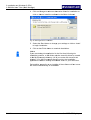
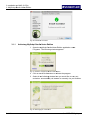
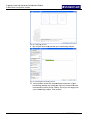
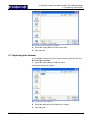
11.
1 Click on
n Finish to conclude
c
the
e installatioon.
Configuring
C
g My Scrip
pt Ink Retrie
ever
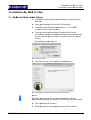
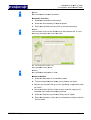
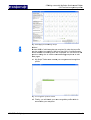
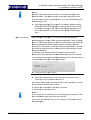
Upon
U
installlation of the
e software, the
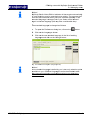
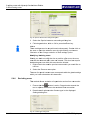
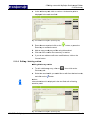
t followin g window appears
a
on
your
y
displayy screen:
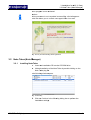
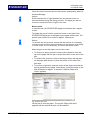
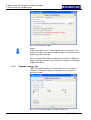
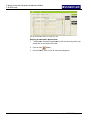
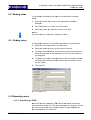
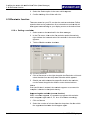
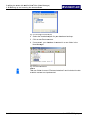
Fig.
F 24 Dialog box following
g installation
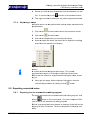
1.
1 Perform
m the setting
gs in compliance with tthe instructions in chap
pter
5.1 Con
nfiguring the
e upload settings.
The
T softwarre must now
w be activated.
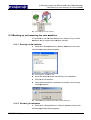
STAEDTLE
ER Digital p
pen
16 / 98