1
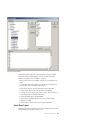
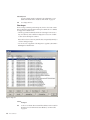
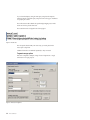
v See “HostProfile nodes” on page 192.
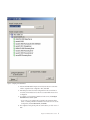
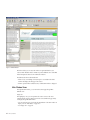
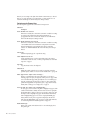
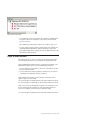
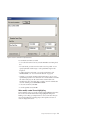
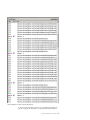
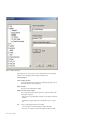
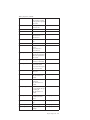
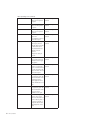
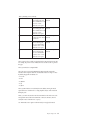
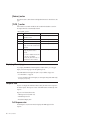
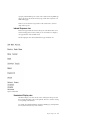
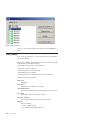
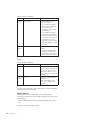
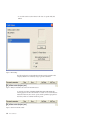
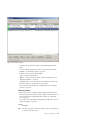
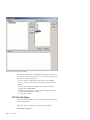
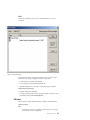
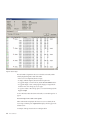
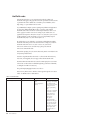
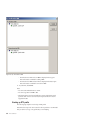
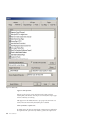
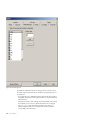
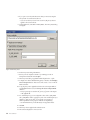
Select the type of rule from the displayed list:
Rule
Description
New Host
Add a host to monitor. The name of the host must be the full domain
name of it (for example, www.example.com. Each host has its own set of
profile rules, so you may need to add or copy rules from any existing host
to the new one.
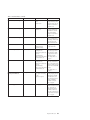
Add IgnoreURL
Specify a URL for a page or pages that must not be included in replay. You
can apply wildcards * or ? to the string.
Add Host/Port Remap
If needed, you can remap detected host names and port numbers in the
captured session data to redirect to other host/port combinations. This
type of rule is useful for forcing replay to not use a production server.
Add FrameRule
If IFRAMES are in use for the web application, you can specify these rules
to place URLs or patterns of URLs into specified frames.
Add ResponseMod
These rules modify the response data based on detected patterns for one or
more URLs.
Add ExternalFileMod
For files that are referenced in session data, these rules modify the
response data based on detected patterns so that unwanted effects are not
applied to the session replay.
v See “Replay rules” on page 58.
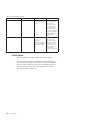
Add IgnoreReqVarforUrlMatch
These rules can be used to specify [urlfield] values or query parameters
that must be ignored when matching replay requests to captured pages
within the session.
Add DynResponseMod
Dynamic response modification rules are used to modify the response data
by using parameterized event identifiers.
v See “Replay rules” on page 58.
Add DynExternalFileMod
Dynamic external file modification rules are used to modify external files
that are referenced in the session pages by using parameterized event
identifiers.
v See “Replay rules” on page 58.
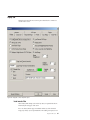
Default profile options
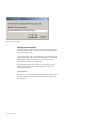
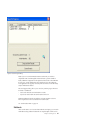
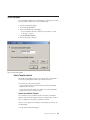
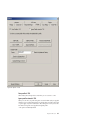
You can share your profile settings with other users through a profile server.
Shared settings override RTV default settings. You can restore default and custom
settings at any time.
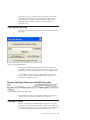
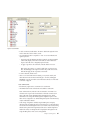
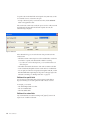
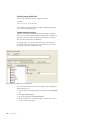
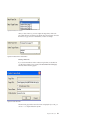
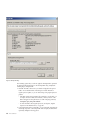
1. Enter the name or IP address of the IBM Tealeaf cxImpact server that is
designated as the profile server. Typically, this server also hosts the Tealeaf Web
Portal.
198
RTV User Manual