1
214
Chapter 9. Content Structure Tab - Daily Editing
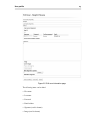
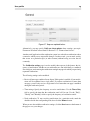
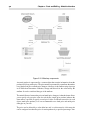
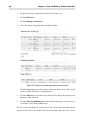
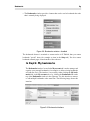
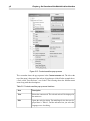
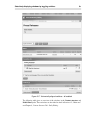
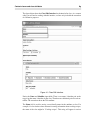
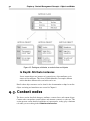
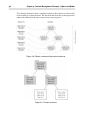
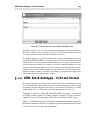
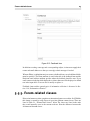
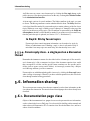
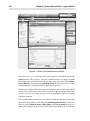
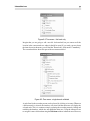
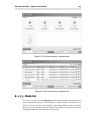
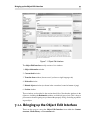
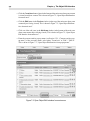
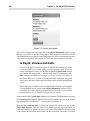
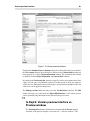
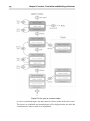
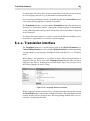
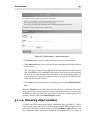
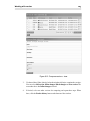
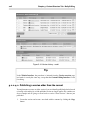
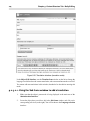
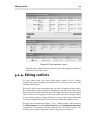
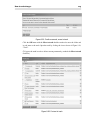
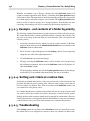
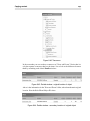
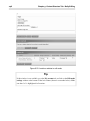
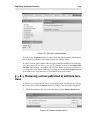
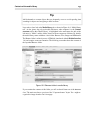
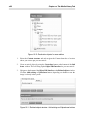
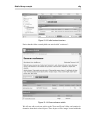
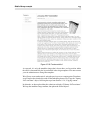
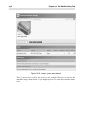
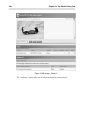
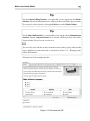
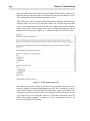
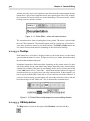
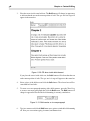
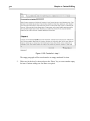
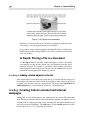
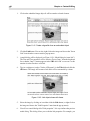
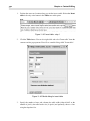
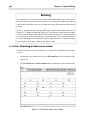
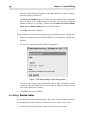
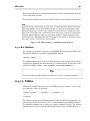
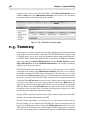
Figure 9.21. Translation interface (translator mode)
In the Object Edit Interface, use the Translate from window on the left to change the
language on which to base the current translation, and to turn translator mode on and off.
You cannot add new translations in this window; that had to be done before entering edit
mode.
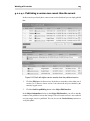
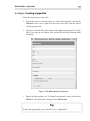
9.2.3.2.1. Using the Sub items window to add a translation
1.
Make sure that the object's parent node is being displayed in the main area of the
Administration Interface.
2.
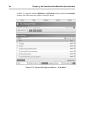
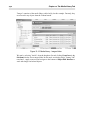
Locate the object that you wish to edit in the Sub items window, and click on its
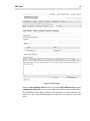
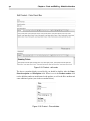
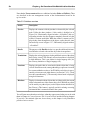
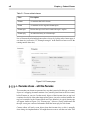
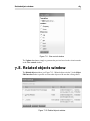
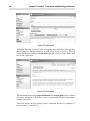
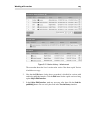
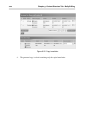
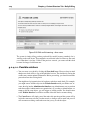
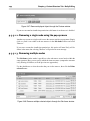
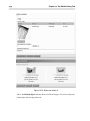
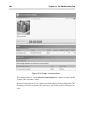
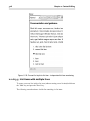
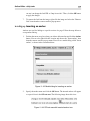
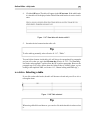
corresponding edit icon (on the right). You will be taken to the Language selection
interface: