1
VMware ESX Server Administration Guide
Creating a New Virtual Machine
You can create new virtual machines from within the VMware Management Interface.
The process sets up a new configuration for each virtual machine you create this way.
Note: You can only use ASCII characters in the entry fields when creating a virtual
machine with the management interface. Thus, the virtual machine’s display name
and path cannot contain non-ASCII characters. In addition, filenames and directories
for virtual machines should be not created with space characters.
The Add Virtual Machine wizard guides you through the basic steps needed to create
a virtual machine on your server. Any user who has an account on the server’s service
console may log in to the wizard and create a virtual machine. If you are logged in as
root, you may wish to log out at this point, then log in again as a user authorized to
manage the new virtual machine.
Note: Check for any VMkernel ALERT messages in the warning log files before
creating a new virtual machine.
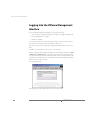
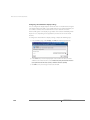
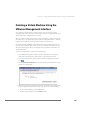
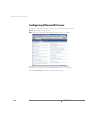
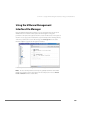
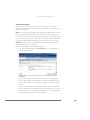
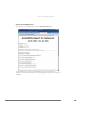
To log in to the management interface, use this URL:
http://<hostname>
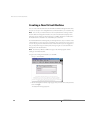
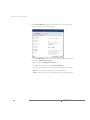
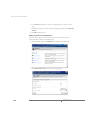
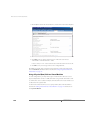
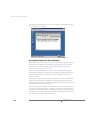
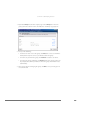
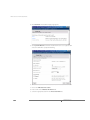
1. On the management interface login page, enter your user name and password,
then click Login.
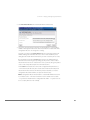
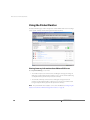
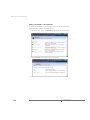
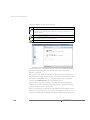
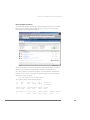
The Status Monitor page appears.
32
www.vmware.com