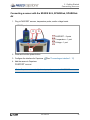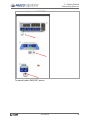
1
2 Getting Started
Connecting a sensor
Analog sensor (ScienceWorkshop)
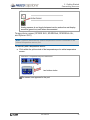
Note: Capstone does not automatically detect most analog ScienceWorkshop
sensors.
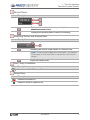
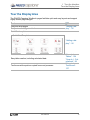
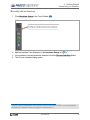
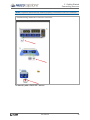
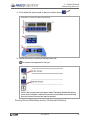
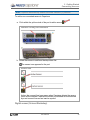
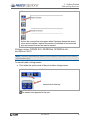
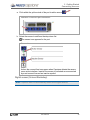
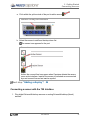
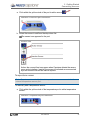
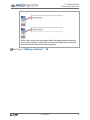
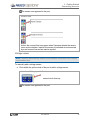
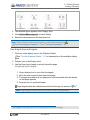
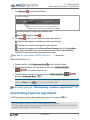
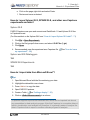
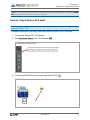
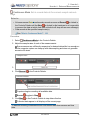
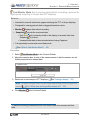
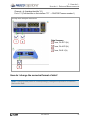
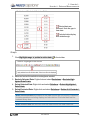
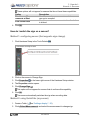
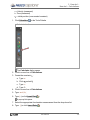
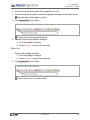
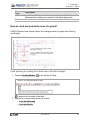
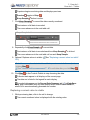
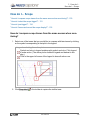
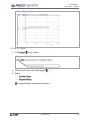
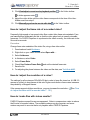
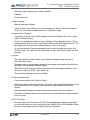
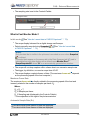
a. Click within the yellow circle of the port to add a sensor.
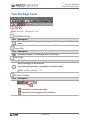
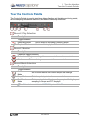
Interface: Analog Port Indicators
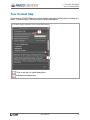
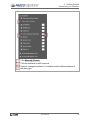
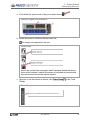
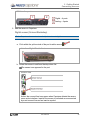
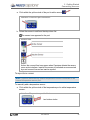
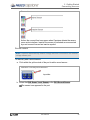
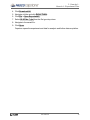
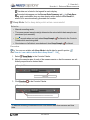
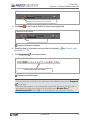
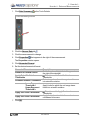
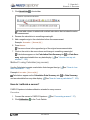
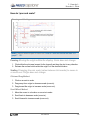
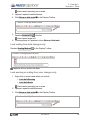
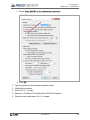
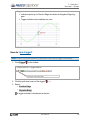
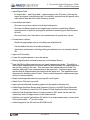
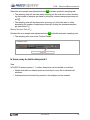
b. Select the sensor to add from the drop down list.
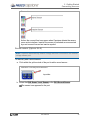
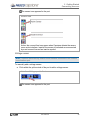
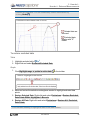
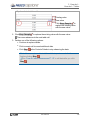
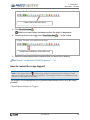
The sensor icon appears for the port.
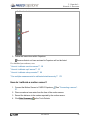
Sensor icon
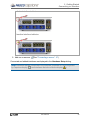
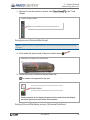
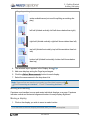
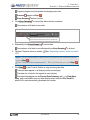
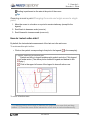
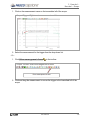
Analog sensors do not toggle between inactive and active and display
as active (green line) even when disconnected.
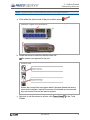
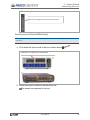
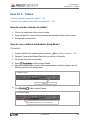
Analog ScienceWorkshop sensor (Universal Interface)
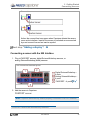
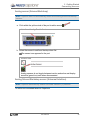
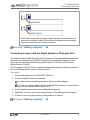
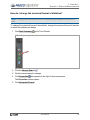
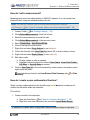
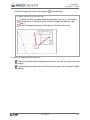
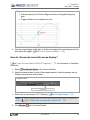
Note: Capstone automatically detects Universal Interface (UI) sensors.
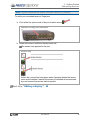
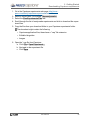
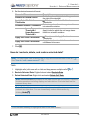
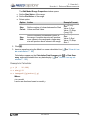
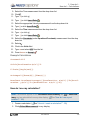
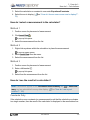
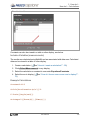
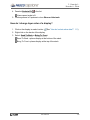
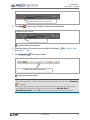
To add a non-connected sensor to Capstone:
012-14016A
40