1
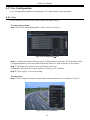
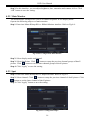
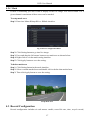
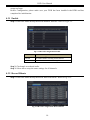
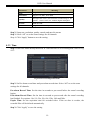
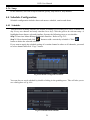
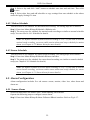
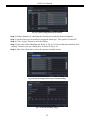
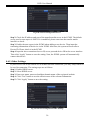
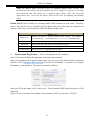
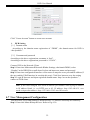
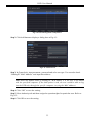
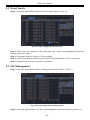
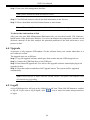
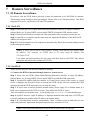
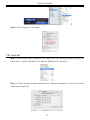
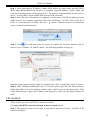
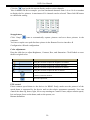
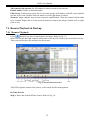
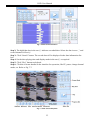
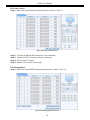
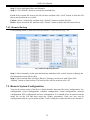
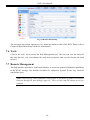
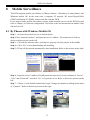
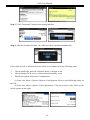
DVR User Manual 4.3.4 Stamp This provides an option to enable or disable the Camera Name and the Time stamp on the video. The user can also choose a position for the stamp on the screen. To setup stamp as follows: Step 1: Enter into Menu SetupRecordStamp interface. Refer to Fig 4-14: Fig 4-14 Record Configuration-Stamp Step 2: Checkmark camera name and time stamp. Click Setting button to setup the position of the stamp. You can drag the camera name and time stamp at random positions. Refer to below Figures: Before drag After drag Step 3: Select “All” to setup all channels with the same parameters. 4.3.5 Recycle Record This option is used to recycle the HDD space once it is full. If enabled, the system will automatically delete the old records and recycle the space if it is completely utilized. The setting steps are as follows: Step 1: Enter into MenuSetupRecord Recycle Record interface; Step 2: Checkmark recycle record to activate auto recycling. If the option is disabled or not selected, the DVR would stop recording once HDD is full. Step 3: Click “Apply” button to save the setting. 20