1
Basic Operations
The following section describes how to perform basic tasks
such as the changing of parameter settings, execution of
jobs, and storing of data.
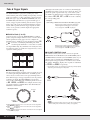
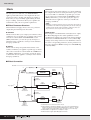
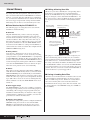
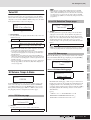
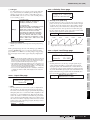
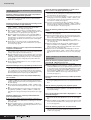
■ Parameter Setting Areas
Within your DTX-MULTI 12, parameters associated with
specific functions are conveniently grouped together into
seven different parameter setting areas. These areas may be
accessed using the buttons indicated below.
• KIT setting area: [KIT] button
This area is used to select and edit drum kits.
• VOICE setting area: [VOICE] button
A part of the KIT setting area, this area is used to select
and edit voices.
• MIDI setting area: [MIDI] button
A part of the KIT setting area, this area is used to set
MIDI-related parameters on an individual-kit basis.
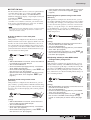
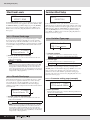
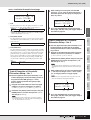
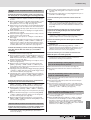
■ Navigating between Sections
Each setting area is subdivided into a number of different
sections. The current section is indicated at the left of the
upper row of text using the name (or abbreviation) of the
selected setting area together with the section number. Use
the [B]/[C] buttons to navigate between these sections.
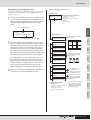
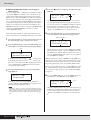
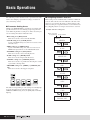
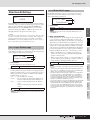
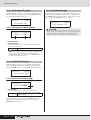
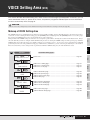
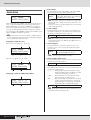
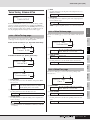
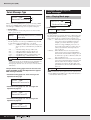
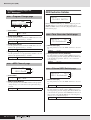
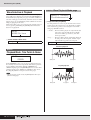
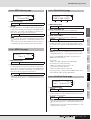
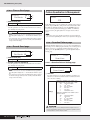
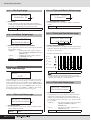
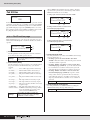
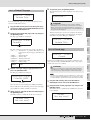
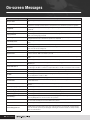
Example: UTILITY setting area
Name of selected
area (UTILITY)
Section number
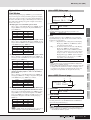
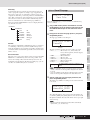
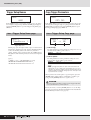
UTIL1
≥≥≥≥GENERAL
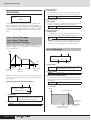
UTIL2
≥≥≥≥≥CLICK
• PATTERN setting area: [PTN] button
This area is used to select and edit patterns.
• WAVE setting area: [WAVE] button
This area is used to import and edit waves.
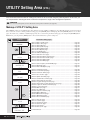
• UTILITY setting area: [UTILITY] button
This area is used to set parameters affecting the overall
system and to manage files.
• TRIGGER setting area: [SHIFT] + [UTILITY] buttons
This area is used to edit trigger setup data.
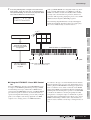
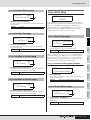
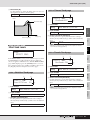
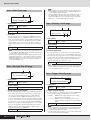
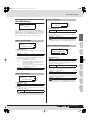
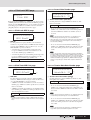
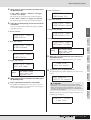
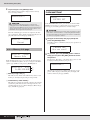
UTIL3
≥≥≥MASTER≥EQ
UTIL4
≥≥≥≥≥≥PAD
UTIL5
≥≥≥≥≥HI-HAT
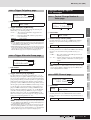
UTIL6
≥≥≥≥≥≥MIDI
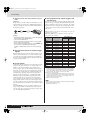
The button corresponding to each setting area will light up
in green when that area is selected. In the case of the
VOICE and MIDI setting areas, the [KIT] button will also
light up.
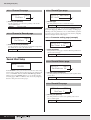
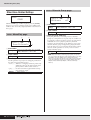
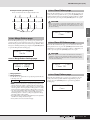
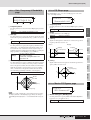
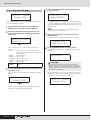
UTIL7
≥≥≥≥≥≥FILE
UTIL8
≥≥FACTORY≥SET
44
Owner’s Manual