1
C. Specify the implant type
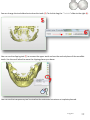
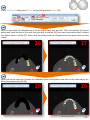
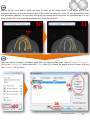
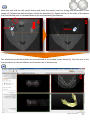
After you have placed the implant, you still need to specify the type of implant that you would like to use.
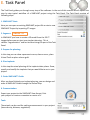
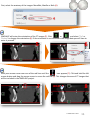
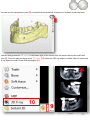
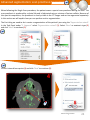
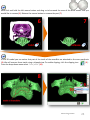
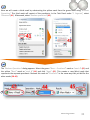
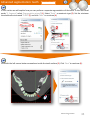
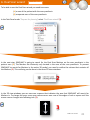
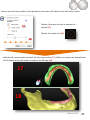
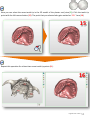
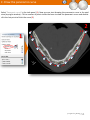
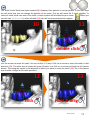
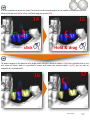
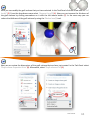
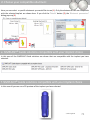
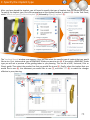
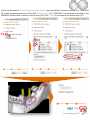
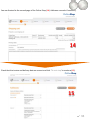
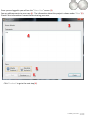
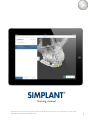
To specify the implant type, first click somewhere on the implant surface to select it (1). In the Task Panel,
select ‘Match and specify selected implant’ (2) followed by ‘Specify implant’ (3).
1
2
3
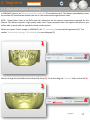
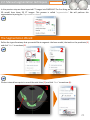
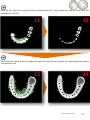
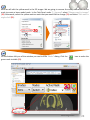
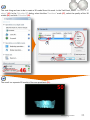
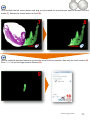
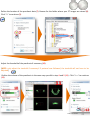
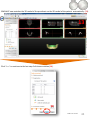
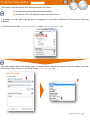
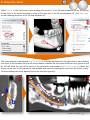
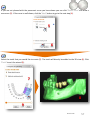
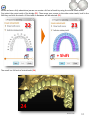
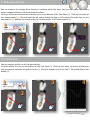
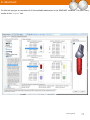
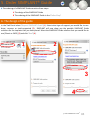
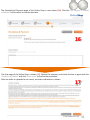
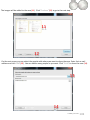
The ‘Implants library’ window now appears. Here you can select the specific type of implant that you would
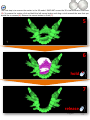
like to use. First, choose what type of SIMPLANT Guide you want to use (4). If you select a SIMPLANT Guide
type you will see a preview of the guiding tubes in you planning. This can be a SAFE, Universal, Pilot or
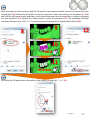
Classic guide. Then select the product line that you would like to use (5). Finally, select the implant that you
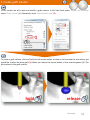
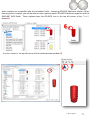
would like to use (6), the abutment you would like to use (7), and click ‘OK’ (8) to make the changes
effective in your planning.
4
6
5
7
8
78