1
Connection
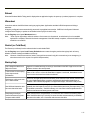
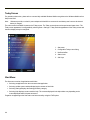
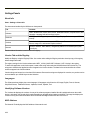
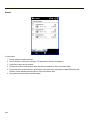
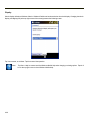
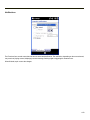
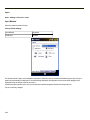
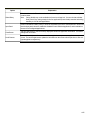
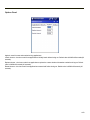
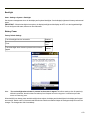
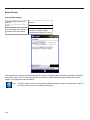
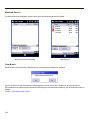
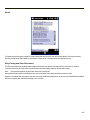
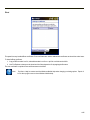
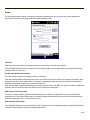
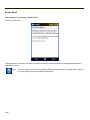
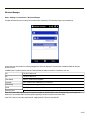
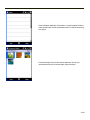
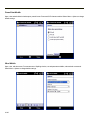
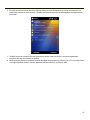
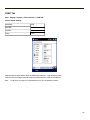
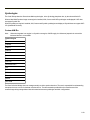
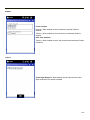
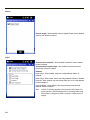
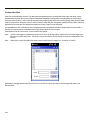
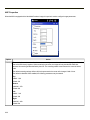
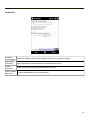
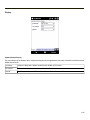
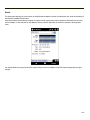
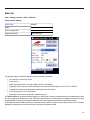
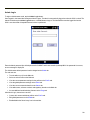
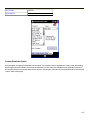
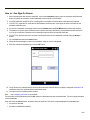
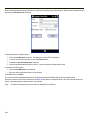
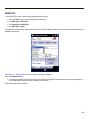
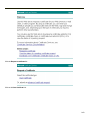
The Connect button controls Connect/Disconnect operation and the caption of the button changes based on the connection
status. The Connect button is dimmed when the radio is disabled or absent.
Click the Connect button to begin a connection with a WWAN. The button caption changes to Disconnect.
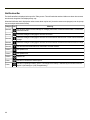
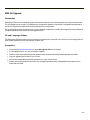
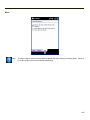
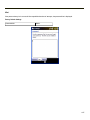
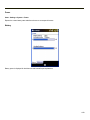
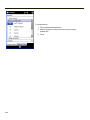
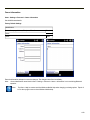
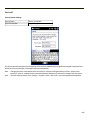
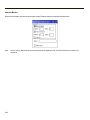
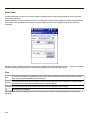
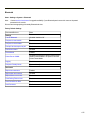
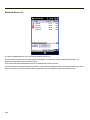
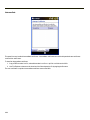
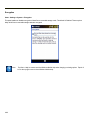
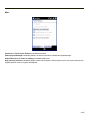
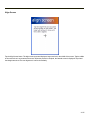
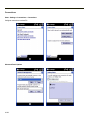
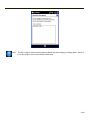
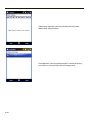
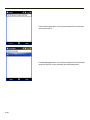
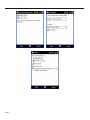
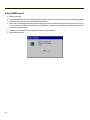
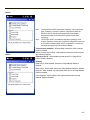
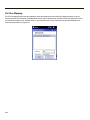
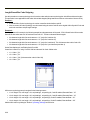
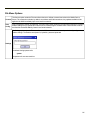
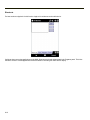
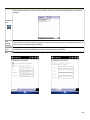
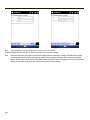
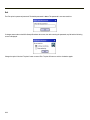
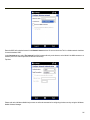
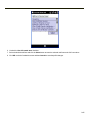
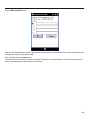
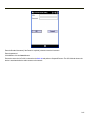
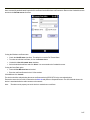
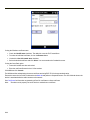
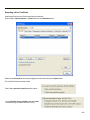
Clicking the Admin Login button displays the Admin Password Entry popup text box. After password entry is successful, the
button caption changes to Admin Logout.
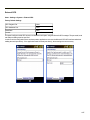
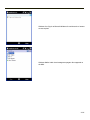
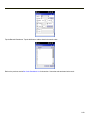
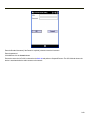
Entering an incorrect password causes an error message to be displayed.Enter the password in the popup text box and click
the OK button.
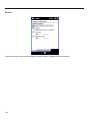
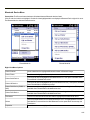
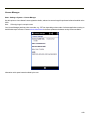
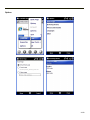
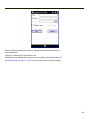
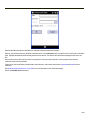
Admin Login causes all dimmed buttons and configurable fields on Network, TCP/IP, Autoconnect, and Admin tabs to be
enabled.
4-121