1
10
Mobile Phone Connection
10.1.5 Other Functions
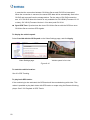
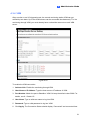
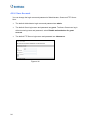
In addition to live view and playback, GV-GView V2 offers these functions: viewing /
controlling I/O devices, PTZ control, adjusting image quality, and starting / stopping
recording.
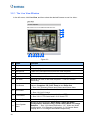
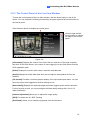
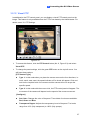
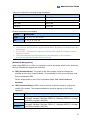
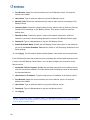
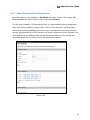
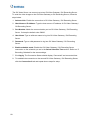
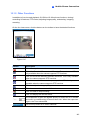
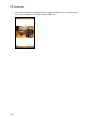
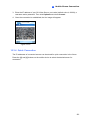
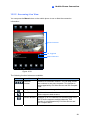
On the live view screen, click the buttons on the toolbar to have the desired functions.
Figure 10-5
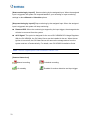
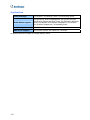
Button
Description
Click it to stop the connection.
Click it for Focus-in / Focus-out and Zoom-in / Zoom-out control. This is
only available when the camera supports PTZ functions.
Click it to move the camera to different directions. This is only available
when the camera supports PTZ functions.
Click it to move the camera to the preset positions. This is only
available when the camera supports PTZ functions.
Click it to adjust the image quality.
Click it to access the connected I/O devices.
Click it to start or stop recording.
Click it to display the camera status.
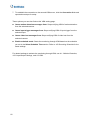
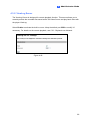
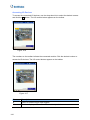
The supervisor is given the highest priority to control the PTZ camera
and won’t be restrained by 60-second time limit. When the supervisor
logs in, the Timer shows 999.
Use this drop-down list to switch cameras.
143