1
9. REPORTS
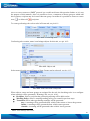
TAVL application has ability to generate statistic reports based on GPS data and/or external
sensors or properties. These reports can be launched by clicking 'Reports' and choosing one of
available.
10.FILTER
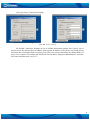
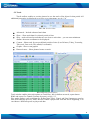
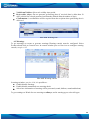
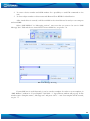
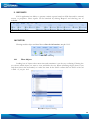
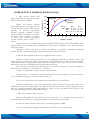
Filtering enables object and data filters refine the information, see pic. 10.1.
Pic. 10.1. Filtering
10.1
Filter Objects
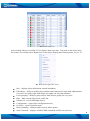
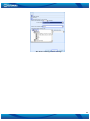
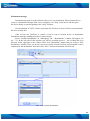
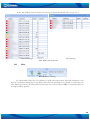
Loading lots of objects takes more time and sometimes it can be very confusing. Filtering lets
you choose which object you want to view, and hides the rest. When refreshing objects, data is sent
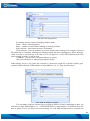
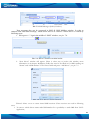
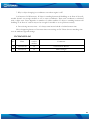
only about those that are marked, so it takes less time. In the TAVL toolbar click on 'Filter' or hit Ctrl
+ Shift + F, see pic. 10.2.
Pic. 10.2. Object Filtering
39