1
Fadal
User Manual
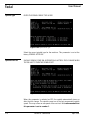
If the fourth parameter is a 1, execution begins directly and the control will not
search for modal function codes specified before the block number in the first
parameter; caution must be taken. If the fourth parameter is greater than 1, the
CNC begins the modal code search starting at the block # specified by the
fourth parameter.
!
Backlash
BL, Axis No., Amount
At Center, At - Limit,
At + Limit
WARNING: The low way lube message is not displayed when
continuously looping a program in the Auto mode. The operator MUST
monitor the way lube level to ensure proper fluid levels during these
continuous operations.
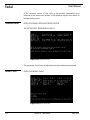
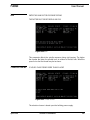
This command is used to display axis backlash. It is also used to enter an
amount of backlash for each axis into the memory of the CNC. Each axis is
addressed by a number.
X = 1, Y = 2, Z = 3, A = 4, B = 5
The backlash is specified by units of one ten-thousandth of an inch. Therefore
having a value of 5 would equal .0005 in decimal inches. Example: Having
.0004" backlash at center of the Y axis.
Enter: BL,2,4
Change Device
CD, Baud Rate, Line
Feed Option,
Command Echo
Option, Device
Option
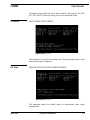
EXAMPLE:
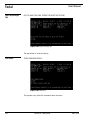
The primary use of this command will be to prepare the RS-232-C serial I/O
port to send or receive data to or from another device such as a tape punch or
another computer (see Section 14, Communications).
BAUD RATE:
1=110 baud
2=150 baud
3=300 baud
4=600 baud
5=1200 baud
6=2400 baud
7=4800 baud
8=9600 baud
9=19,200 baud
10=38,400 baud
11=57,600 baud
12=115,200 baud
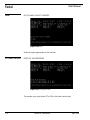
Baud rates above 9600 should only be used with Xmodem protocol. This
protocol uses error checking that is more suitable for the higher baud rates.
See the communications section for an explanation of protocol types.
April 2003
Section 8: Commands
139