1
VitaLogik 4000/6000 Series® Operating Manual
2.
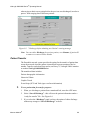
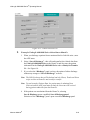
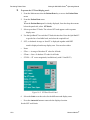
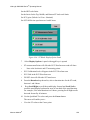
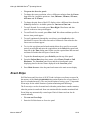
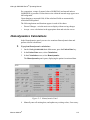
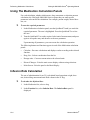
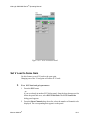
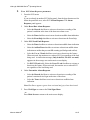
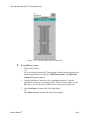
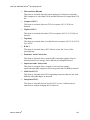
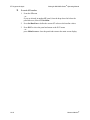
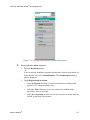
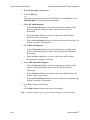
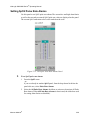
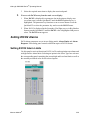
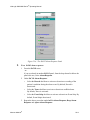
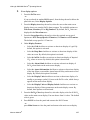
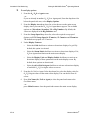
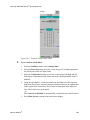
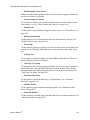
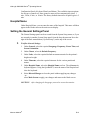
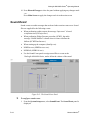
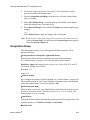
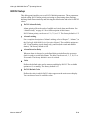
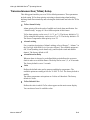
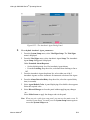
On the left area of the panel, enter all missing parameters. Parameters are
either provided by the VitaLogik 4000/6000 Series, or acquired using other
monitoring equipment, in which case you must manually enter them:
•
HRT - provided by the VitaLogik 4000/6000 Series
•
HB - enter manually
•
SpO2 - calculated by the VitaLogik 4000/6000 Series/enter manually
•
SvO2 - provided by the VitaLogik 4000/6000 Series/enter manually
•
Age - provided by VitaLogik 4000/6000 Series
•
BSA - calculated by the VitaLogik 4000/6000 Series
Update any value, if necessary.
3.
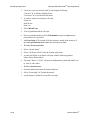
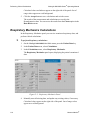
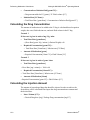
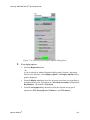
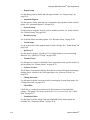
When all values are entered, O2 Consumption and Cardiac Output values
appear on the right side of the panel.
Values that are out of range appear on a red background.
4.
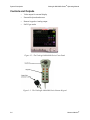
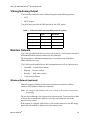
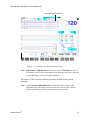
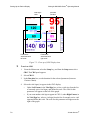
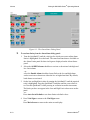
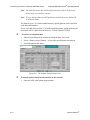
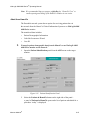
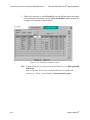
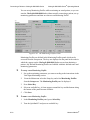
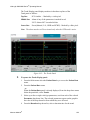
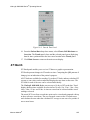
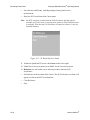
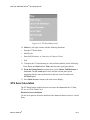
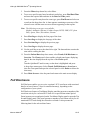
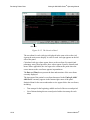
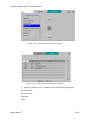
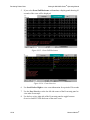
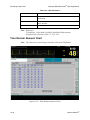
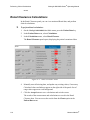
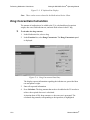
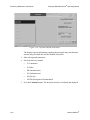
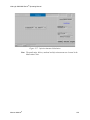
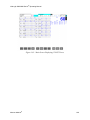
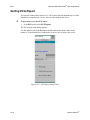
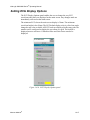
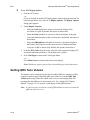
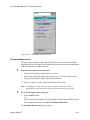
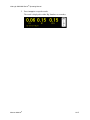
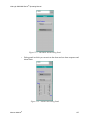
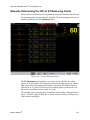
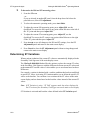
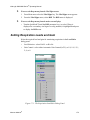
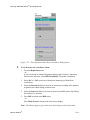
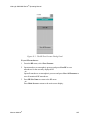
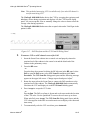
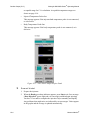
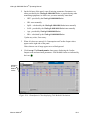
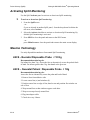
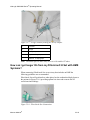
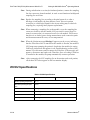
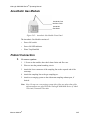
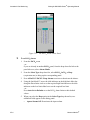
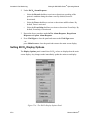
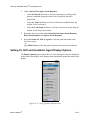
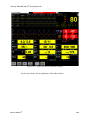
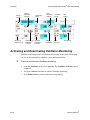
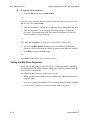
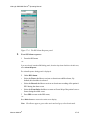
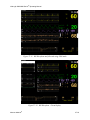
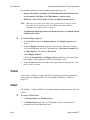
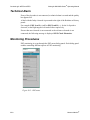
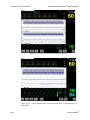
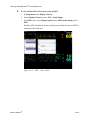
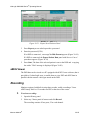
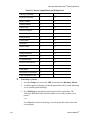
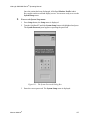
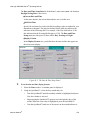
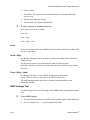
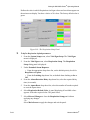
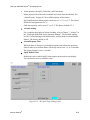
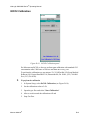
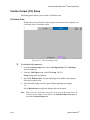
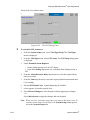
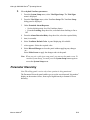
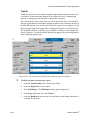
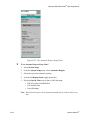
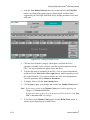
Click Accept. The Hemodynamics chart opens, displaying the Cardiac
Output result and associated parameters. Fick Method results are indicated by
the icon
.
Indication
of Fick
Method
results
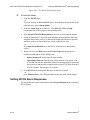
Figure 19-4: Hemodyancis Chart displaying Fick Method Calculations
Mennen Medical®
19-11