1
W&T
Changing device specific displays
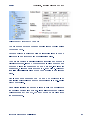
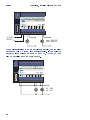
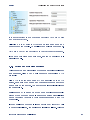
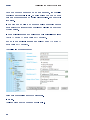
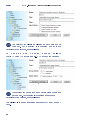
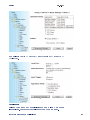
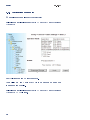
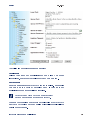
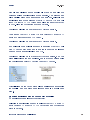
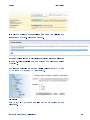
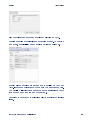
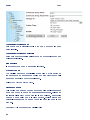
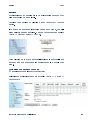
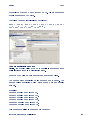
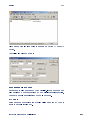
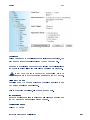
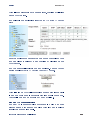
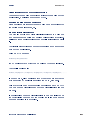
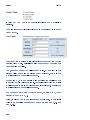
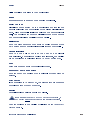
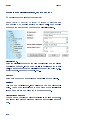
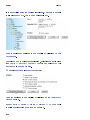
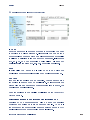
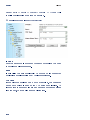
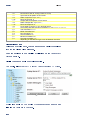
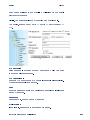
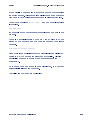
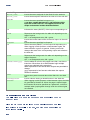
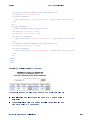
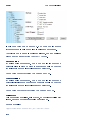
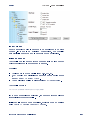
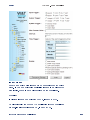
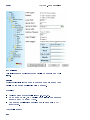
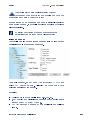
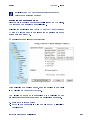
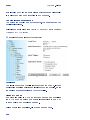
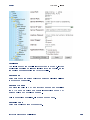
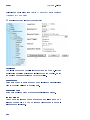
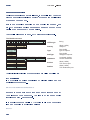
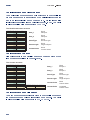
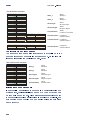
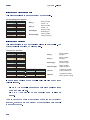
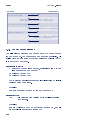
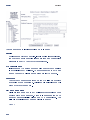
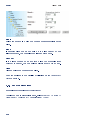
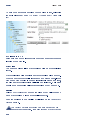
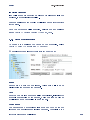
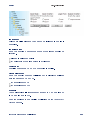
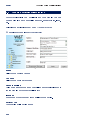
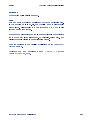
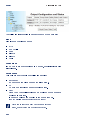
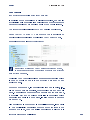
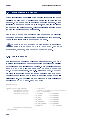
Device No
Company-specific article number.
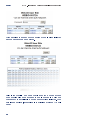
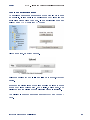
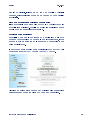
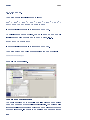
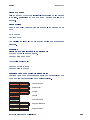
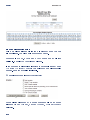
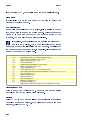
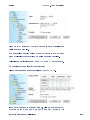
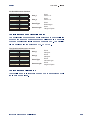
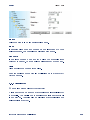
Logo
Path and name of the logo positioned above the navigation tree.
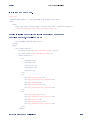
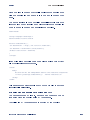
If you specify only logo.gif, the Web-IO uses the internally
stored logo. Alternately you can reference a JPG or GIF file
located on another server.
Note that the dimensions of the logo must closely approximate
those of the W&T logo (width max. 200 pixels, height max. 100
pixels) to retain clarity in the navigation frame.
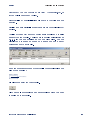
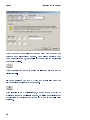
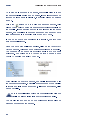
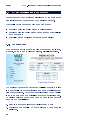
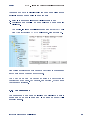
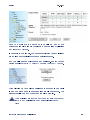
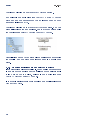
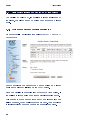
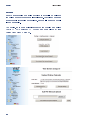
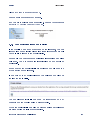
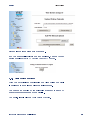
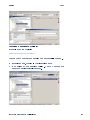
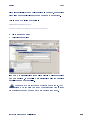
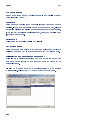
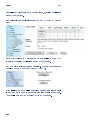
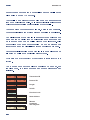
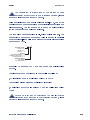
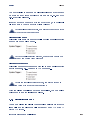
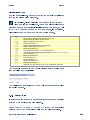
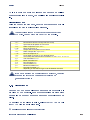
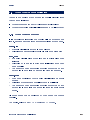
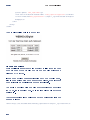
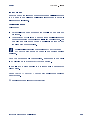
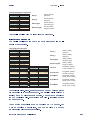
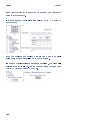
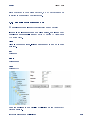
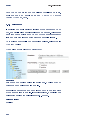
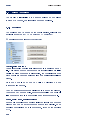
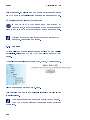
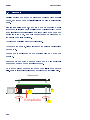
Send the settings to the Web-IO by clicking on the
Storage button.
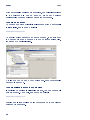
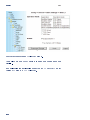
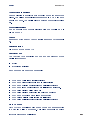
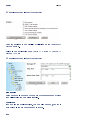
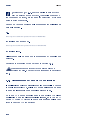
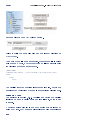
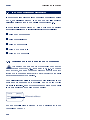
Activate
the
new
settings
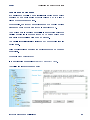
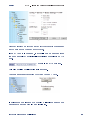
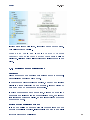
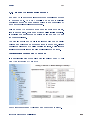
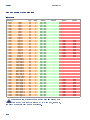
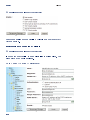
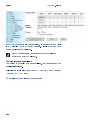
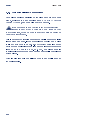
Control >> LogOut, Save.
Subject to errors and modifications
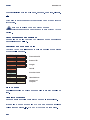
under
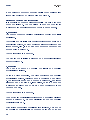
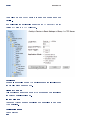
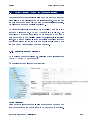
Temporary
Config >> Session
257