1
Operating the XtraDrive Using XtraWare
4.10.1.
Latching Workflow
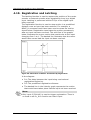
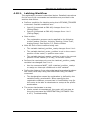
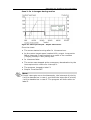
The registration process is described below. Detailed instructions
for the use of the commands and variables are provided in the
sections that follow.
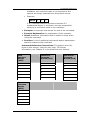
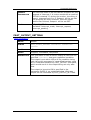
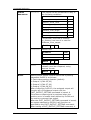
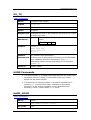
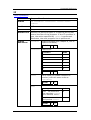
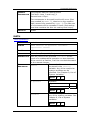
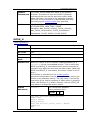
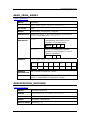
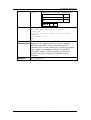
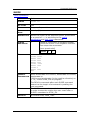
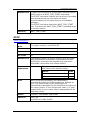
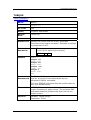
♦ Define a condition for latching using the LATCHING_TRIGGER
command. Possible conditions are:
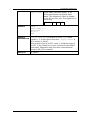
Input 6 (connected at CN1-46) changes from 0 to 1
(Rising Edge).
Input 6 (connected at CN1-46) changes from 1 to 0
(Falling Edge).
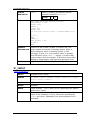
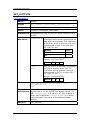
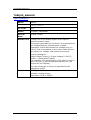
♦ Start motion:
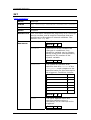
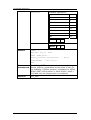
The registration process can be applied in the following
motion modes: Position, Velocity, Hunting, Pulse-Train,
Analog Speed. See Section 5.3, Motion Modes.
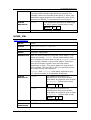
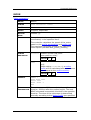
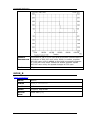
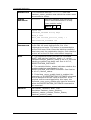
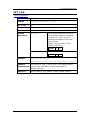
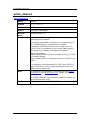
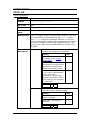
♦ After 62.5ms of the condition being met:
The variable Latched_position_ready changes from 0 to 1.
The variable Latched_motor_position is set to the current
position of the motor, in position user units.
The variable Latched_master_position is set to the current
position of the master (if in use), in encoder counts.
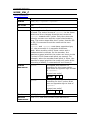
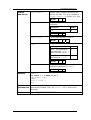
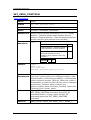
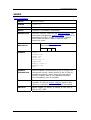
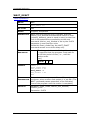
♦ Perform the next step only once the Latched_position_ready
variable has changed from 0 to 1.
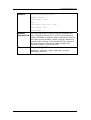
Use the command WAIT_VAR <Latched_position_ready>
or assign an interrupt conditional on this variable.
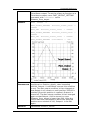
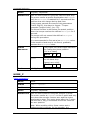
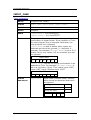
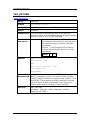
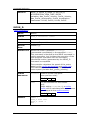
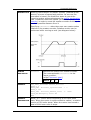
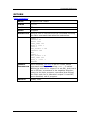
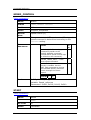
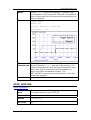
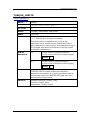
♦ Define the distance from where the input is received to where
the motor must stop using the REGISTRATION_DISTANCE
command.
The deceleration caused by registration is defined by the
variable Profile_acceleration. When specifying the
registration distance, ensure that it is sufficiently long for
the motor to be able to decelerate to a stop at the profile
acceleration.
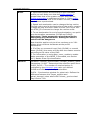
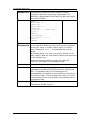
♦ The motor decelerates to a stop.
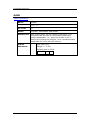
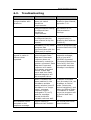
Under certain circumstances, the motor will not stop at
the point command by REGISTRATION_DISTANCE. See
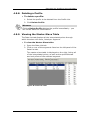
4.10.2, Troubleshooting
74
XtraWare User Manual