1
3.11
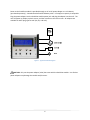
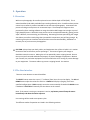
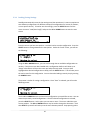
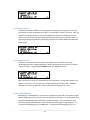
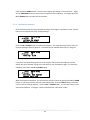
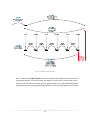
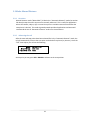
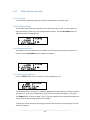
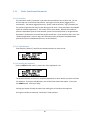
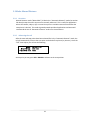
Mode: Distance per Step 3.11.1 Overview The “Dist/Step” operating mode lets you specify the distance to travel per step. 3.11.2 Number of Steps The “# Steps” option functions identically to the “Automatic Step” mode. It is the number of steps (movements of the rail) in the specified distance below. Use the UP/DOWN buttons to adjust the number of steps desired. >
Mode: Dist/Step
# Steps: 5
Dist/Step: 2.0 mm
Start (up/down)
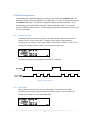
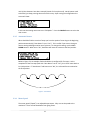
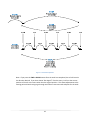
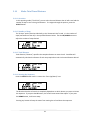
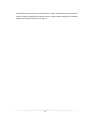
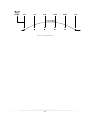
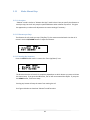
3.11.3 Distance per Step The distance the rail travels per step (“Dist/Step”) is the amount traveled each time the rail is moved. Use the UP/DOWN buttons to adjust the distance. >
Mode: Dist/Step
# Steps: 5
Dist/Step: 2.0 mm
Start (up/down)
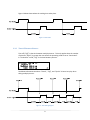
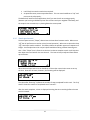
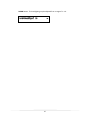
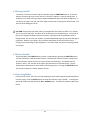
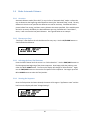
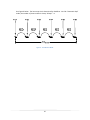
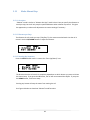
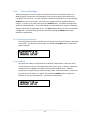
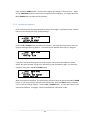
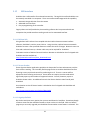
3.11.4 Starting the Sequence Press the SELECT button until it is next to the “Start (up/down)” text. Mode: Dist/Step
# Steps: 5
Distance: 2.0 mm
Start (up/down)
>
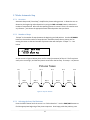
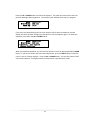
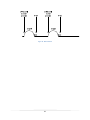
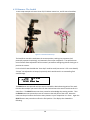
The direction that the rail travels is completely dependent on which button you press to initiate the sequence. If you press the UP button, the rail will move toward the subject. If you press the DOWN button, it will move away. This is, of course, based off of the standard orientation of the rail with the motor facing away from the subject. Pressing any button during the capturing process will stop the motor from moving the rail and abort the sequence. 26