1
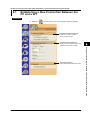
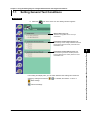
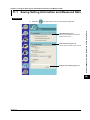
11.1 Saving Setting Information and Measured Data
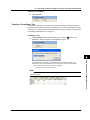
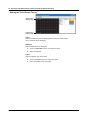
Configuring File Information Display Settings
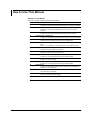
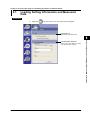
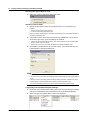
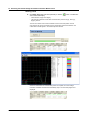
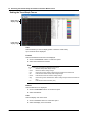
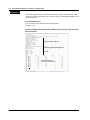
1. Right-click on the file information heading area at the top of the setting and display
area. A list of the different types of information that can be displayed appears.
2. Select the type of information that you want to be displayed.
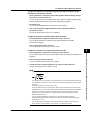
Saving the Measured Data
You can save the measured data when the measured data has been retrieved (or
loaded).
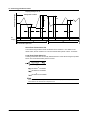
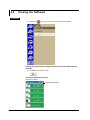
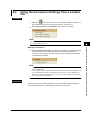
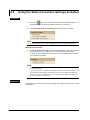
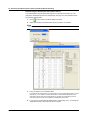
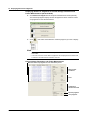
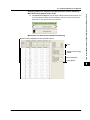
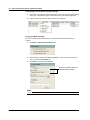
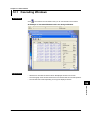
1. Click Save > Save Measured Data to File.
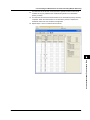
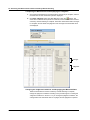
2. After selecting a folder in the Save Location box, enter the name of the file you
want to save in the File Name box.
3. Click Save to save the measured data.
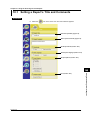
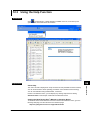
Section 10.1 explains how to set
report titles and comments.
Note
You cannot save the measured data while the measurement is in progress.
11-2
IM 761922-07E