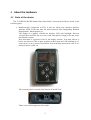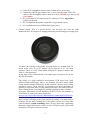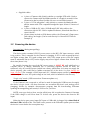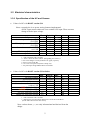
1
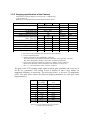
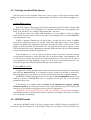
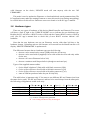
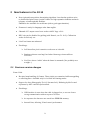
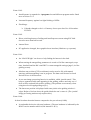
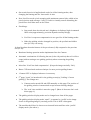
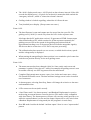
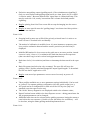
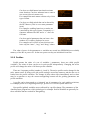
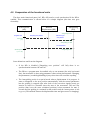
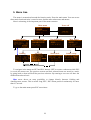
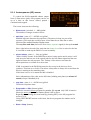
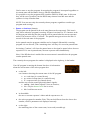
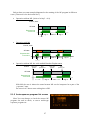
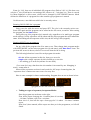
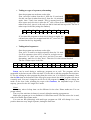
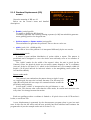
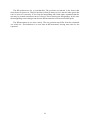
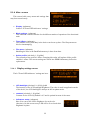
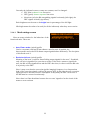
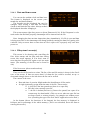
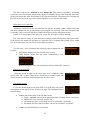
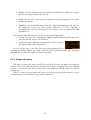
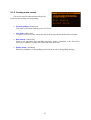
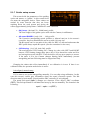
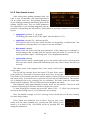
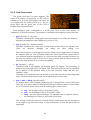
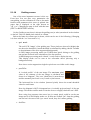
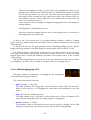
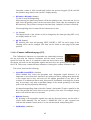
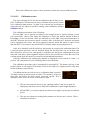
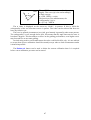
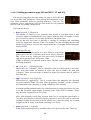
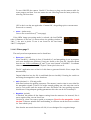
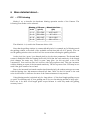
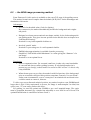
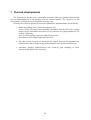
Certain items behave differently. There are number, time and text types etc. Text type items can lead to a submenu or are to do some function (like a button), while other (number or time) types store a value that could be edited/changed and are called parameters or variables. These are to setup, parametrize the device, to control its behaviour. 3.2.1 Menus The HC has a fixed menu tree structure. From the main menu every submenu is accessible with a subscreen at the end that is for some specific function. If an item leads to an other (sub)screen it is called menu item. Exiting from a screen is done with ESC button. When entering into a subscreen, the selected item is memorized to set it as the selected item if You go back with ESC. 3.2.2 Variables (parameters) There are many types of items on the screens. If an item holds a value its called variable or parameter. Their value can be changed in editing mode. For demonstration there are some example: Example A variable item is selected on the screen. By pressing SET You can enter editing mode (if it is allowed to be changed). The bracket around the edited item indicates the editing mode. SET Beginning of editing. In this mode there is always a cursor that selects one digit and is shown inverse. To move the cursor on the digits LEFT and RIGHT buttons can be used. LEFT Moving the cursor. To change the value of the selected digit use UP and DOWN buttons. Use autorepeat of the buttons for faster changing of the digit value. UP (more times) Increasing a digit. To store the new value press SET again. The new value immediately takes place in most of the cases. Doing so we also leave the editing mode. SET Storing the new value. 16