1
BLS-4000 SERIES
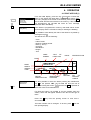
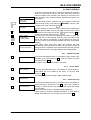
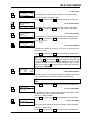
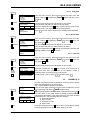
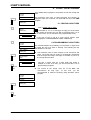
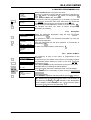
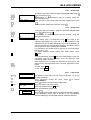
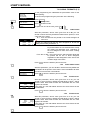
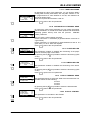
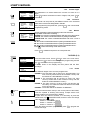
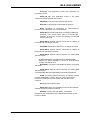
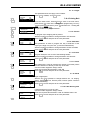
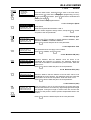
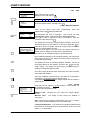
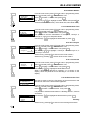
First, in the texts table we will enter the texts to be used as a key
in order to determine the item characteristics.
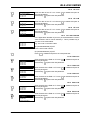
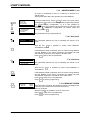
These texts are entered on the Texts Table as follows:
001
002
003
004
005
006
.
2.
3.
4.
Animal Code:
Country of slaughterhouse:
Country of birth:
Breed:
Age:
Slaughtered in:
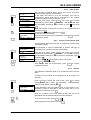
MENU 4 5 2 .
Enter the text code (001, 002,…) and press OK .
Write the text and press OK .
To define the next line press OK and repeat the process
from point 2. When the table has been programmed,
press ESC to exit.
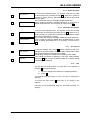
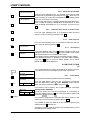
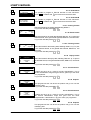
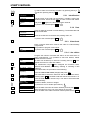
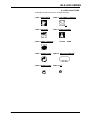
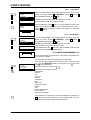
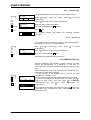
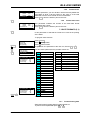
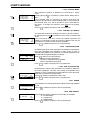
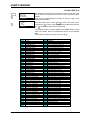
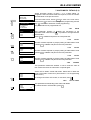
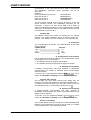
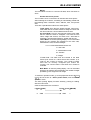
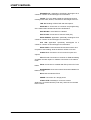
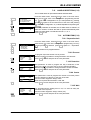
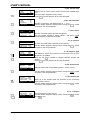
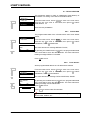
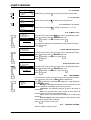
Then, select the desired order of the texts in the index table (see
section 4.7.4 Indexes). To do this:
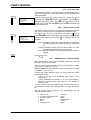
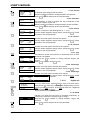
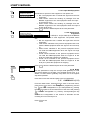
INDEX TABLE 01
1 – Text 31
2 – Text 32
3 – Text 33
4 – Text 34
5 – Text 35
001
002
003
004
005
1. MENU 4 5 4 .
2. In this parameter, enter the product class or type to which
the index to be programmed is to be associated (in this
case Type 01). Press OK .
3. Enter the numbers of the text table to be associated with
the product texts. To go to the next text, press OK .
4. To exit, press ESC .
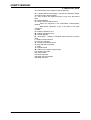
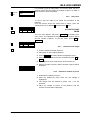
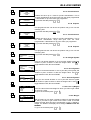
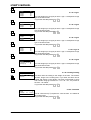
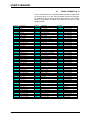
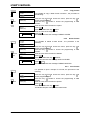
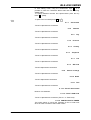
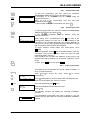
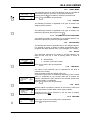
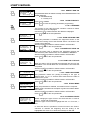
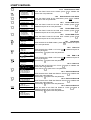
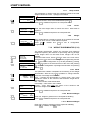
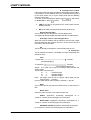
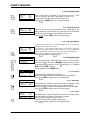
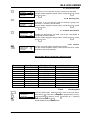
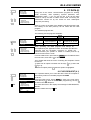
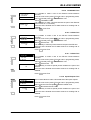
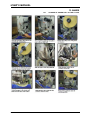
Finally, enter the animal characteristics as follows:
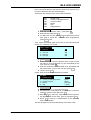
22 BEEF
1 – Animal Code:
2 – Country of slaughterhouse:
3 – Country of birth:
4 – Breed:
5 – Age:
123456
Spain
Spain
Not spec.
3 years
1. MENU 4 5 1 .
2. Enter the code no. (1-99) and press OK.
3. Programme the code field (max 14 characters). To do this:
press 1 , enter the code and press OK.
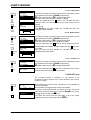
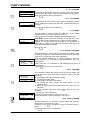
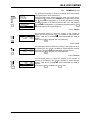
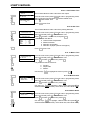
4. With the
key, select the Type field, enter the type as a
two-digit number (In this case, Type 01) and press OK .
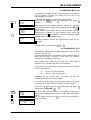
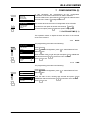
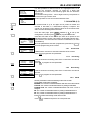
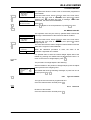
5. Press OK to enter the characteristics of the PLU with
Type 01 traceability.
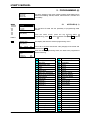
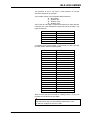
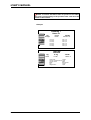
This set-up applies to all PLUs that belong to the same class.
Version 15.05.16
47