1
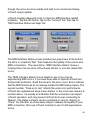
surface files. The message will clearly state this.
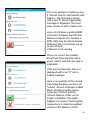
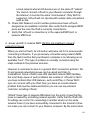
Besides a green checkmark and red X, you might also see a yellow triangle
indicating a warning. Warnings are different than errors; you can still use
rsTouch when there is a warning. Some features may be missing, or there
may be a bug that has been corrected with a later version, but overall
rsTouch works properly. If the version problem is severe, then rsTouch
reports it as an error with a red “X” and you should correct it before
proceeding.
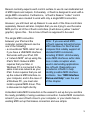
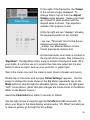
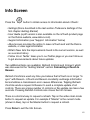
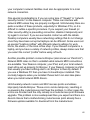
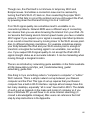
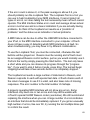
Yellow is always used to distinguish a warning from an error. The Info
Screen’s Connect text/bar is colored yellow if there is a warning. However
the “iButton” will pulse red even if it is only a warning. So when you see it
pulsing, you should check to see if it is an error that requires immediate
attention or a warning you can address after your current session.
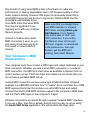
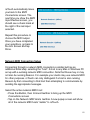
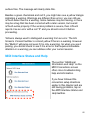
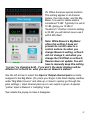
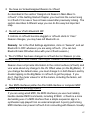
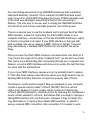
MIDI Interface Status and Help
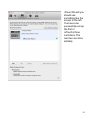
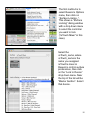
The section “Additional
Information and Help” on the
MIDI Connections screen
offers more troubleshooting
help and information.
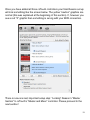
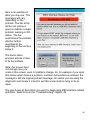
If you have followed the
connection setup directions
earlier in this chapter and are
still having problems, tap on
the MIDI Interface Status and
Help text/bar.
25