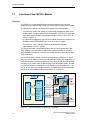
1
Configuring the FM 352-5
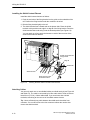
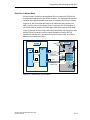
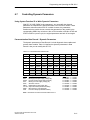
Inserting an S7-300 Station
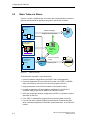
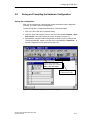
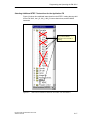
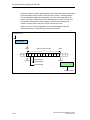
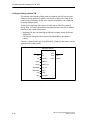
Follow these steps to insert a SIMATIC S7-300 station:
1. In the hardware catalog, expand the SIMATIC 300 object.
2. Expand the RACK-300 folder.
3. Select an appropriate rack for your application.
4. Double-click or drag-and-drop the rack into the station window.
5. Select and insert an appropriate power supply module from the PS-300 folder.
6. Select and insert an appropriate CPU from the CPU-300 folder.
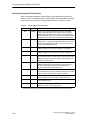
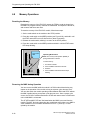
Inserting the FM 352-5 Module
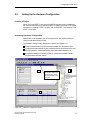
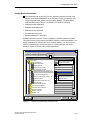
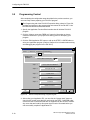
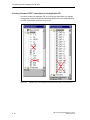
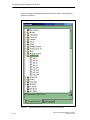
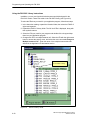
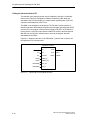
Follow these steps to insert the FM 352-5 module in a SIMATIC S7-300 station:
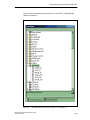
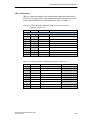
1. In the hardware catalog, expand the FM-300 folder.
2. Expand the FM Processors folder.
3. Select the FM 352-5 High-Speed Boolean Processor module.
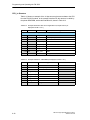
4. Select a valid slot in the rack and double-click the module in the catalog, or
drag-and-drop the module into a valid slot in the S7-300 station.
5-8
FM 352-5 High-Speed Boolean Processor
A5E00131318-03