1
Configuring a Modicon Quantum Hot Standby with Unity System
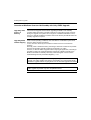
Understanding the Unity Command Register
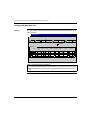
Setting the Bits
in the Command
Register
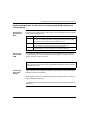
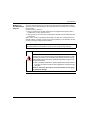
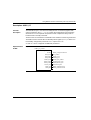
The Command Register defines the operating parameters of a Hot Standby
application for both the Primary and Standby and is located at system word %SW60.
At each scan, the Command Register is replicated and transfers data from the
Primary to the Standby. Transfer occurs only from Primary to Standby. Any changes
made to the Command Register on the Standby will have no effect because the
values transferred from the Primary overwrite the values in the Standby.
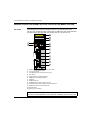
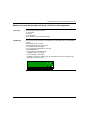
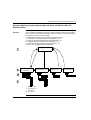
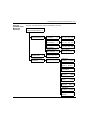
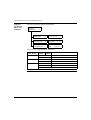
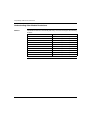
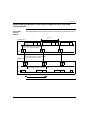
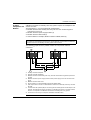
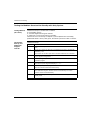
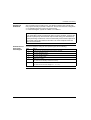
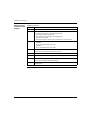
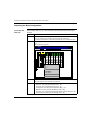
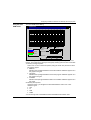
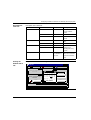
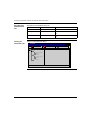
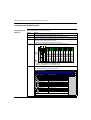
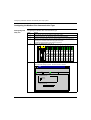
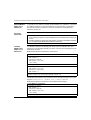
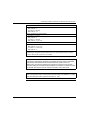
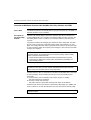
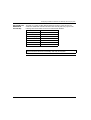
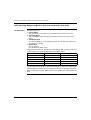
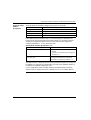
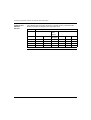
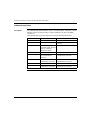
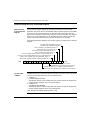
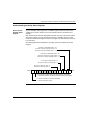
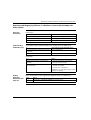
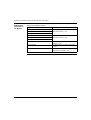
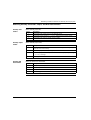
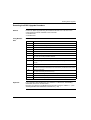
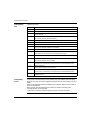
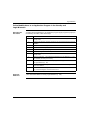
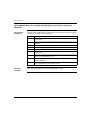
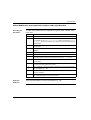
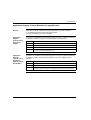
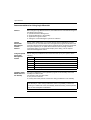
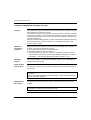
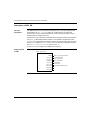
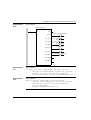
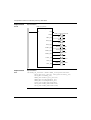
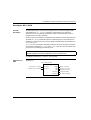
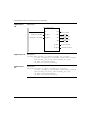
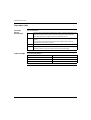
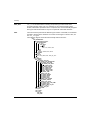
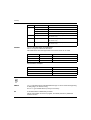
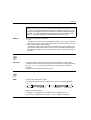
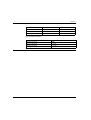
The following illustration identifies the operating options provided by the Command
Register.
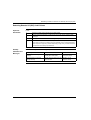
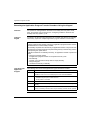
Disables LCD Invalidate Keypad = 0
Enables LCD Invalidate Keypad = 1
Sets Controller A to OFFLINE mode = 0
Sets Controller A to RUN mode = 1
Sets Controller B to OFFLINE mode = 0
Sets Controller B to RUN mode = 1
Forces Standby offline if there is a logic mismatch = 0
Does not force Standby offline if there is a logic mismatch = 1
Allows exec upgrade only after application stops = 0
Allows exec upgrade without stopping application = 1
MSB
15 14
13
12 11 10
9
8
7
6
5
4
3
2
1
0
LSB
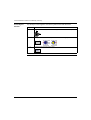
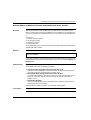
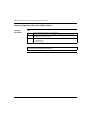
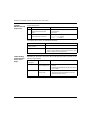
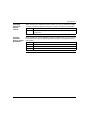
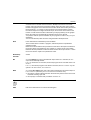
0 = No application program transfer
1 = Application program transfer requested
0 = Swaps Modbus port 1 address during switchover
1 = Does not swap Modbus port 1 address on switchover
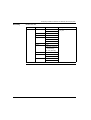
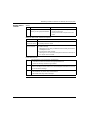
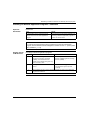
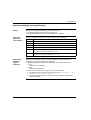
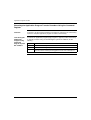
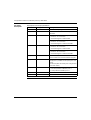
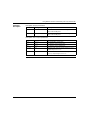
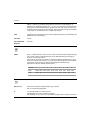
System Word
%SW60.0
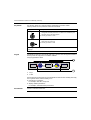
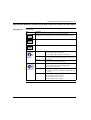
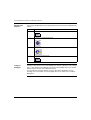
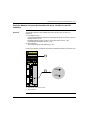
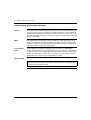
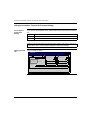
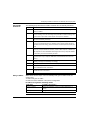
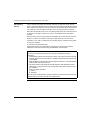
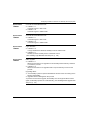
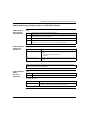
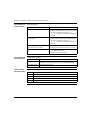
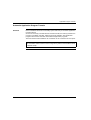
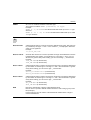
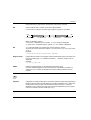
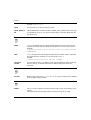
Invalidate Keypad is an option that allows a controller to accept or refuse commands
from the Hot Standby submenu in the front panel keypad.
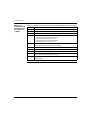
z
z
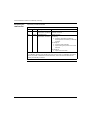
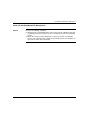
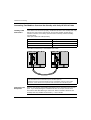
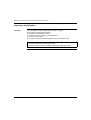
%SW60.0 = 1
Invalidate Keypad enabled.
The Modicon Quantum Hot Standby with Unity system refuses all changes from
the Hot Standby submenu in the front panel keypad.
%SW60.0 = 0
Invalidate Keypad disabled.
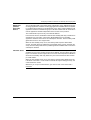
The Modicon Quantum Hot Standby with Unity system accepts all changes from
the Hot Standby submenu in the front panel keypad.
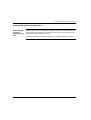
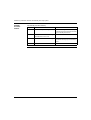
(See Setting the Invalidate Keypad Option, p. 92)
114