1
BMS-Plus
2.
User’s Manual
Menu composition and description
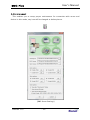
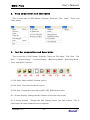
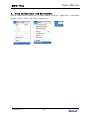
This is menu bar of ‘EKG Viewer’ Program. There are ‘File’, ‘View’, ‘Tools’ and
‘Help’ menu.
3.
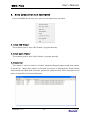
Tool bar composition and description
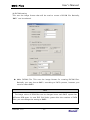
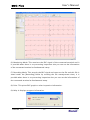
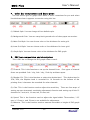
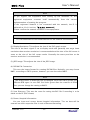
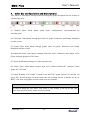
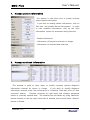
This is tool bar of ‘EKG Viewer’ Program. There are ‘File Open’, ‘File Close’, ‘File
Save’, ‘1 Screen Display’, ‘2 Screen Display’, ‘Monitoring Mode’, ‘Recording Mode’,
‘Print’ and ‘Help’ Function.
(1)
(2)
(3)
(4)
(5)
(6)
(7)
(8)
(9)
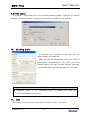
(1) File Open: Select the EKG file and open it.
(2) File Close: Close the file which is open.
(3) File Save: Change this open file to JPEG, PDF, DCM file and save.
(4) 1 Screen Display: Change the EKG display screen into one screen.
(5) 2 Screen Display:
Change the EKG display screen into two screens. This is
useful when the two inspections are compared.
Version 1.13
- 31-