1
MaGest5 SQL. Business Management Software for Windows
User Manual
Expenses
Here you can add specific expenses that the company uses. It will be automatically caliberated
within the financial statistics of the company.
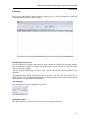
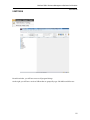
Introduction of Expenses
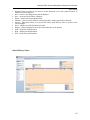
For the introduction of charges must-select the type of operation available, the document number,
date of Expenditure, supplier or creditor, the amount of the tax base, the rate of TAX, and Income
Tax and surcharge payment.
And the program will generate an invoice and a note book with the structure defined in the
operation.
All Expenditure Such billing is Recorded on the GS series, so if in Any case i had to delete one of
These entries, invoices submitted to the Must Be On That Purchasing section screen and change the
billing number, select the input and Eliminate it.
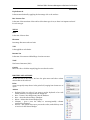
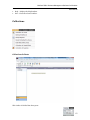
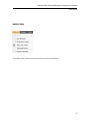
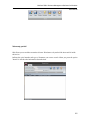
Arrangement
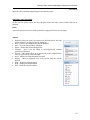
You can arrange the expenses spefically to your need.
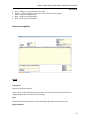
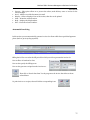
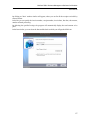
Remember values.
This utility Allows us to preserve the values of a point to repeat the Following
52