1
List Editor
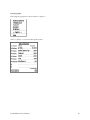
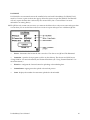
The editable popup list is one of the outstanding features of PocketMoney. The editor is how you edit
PocketMoney customizable popup lists. Use the List Editor as follows:
•
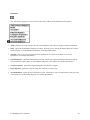
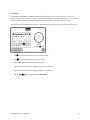
Select Edit in the popup list to bring up the List Editor so that you may add, change or remove list
items.
•
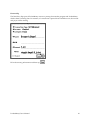
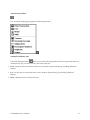
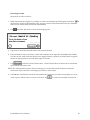
To Add an Item to the List, write the item you wish to add on the Edit Me line. If the item is not found
in the existing popup list, the Add button appears. Tap
•
to add the item to the list.
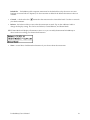
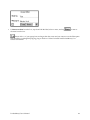
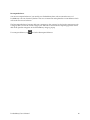
To Change an Item, tap the ♦ Edit Me label and select the item you wish to change. Write in the new
name on the Change To line or select an existing item from the ♦Change To popup. Tap
. For
the Account and Category popups every occurrence of the old item is changed to the new item, but for the
Amount, ID, and Payee popups the popup is changed and the data is not. The new item is also added to
the popup list.
PocketMoney User’s Manual
43