1
1.1) Zone Test
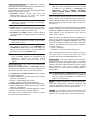
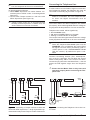
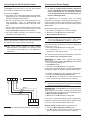
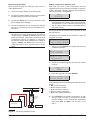
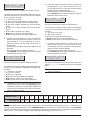
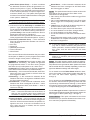
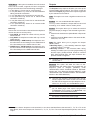
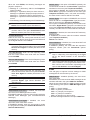
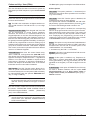
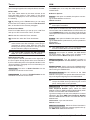
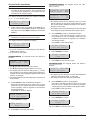
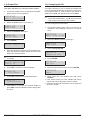
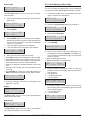
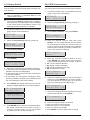
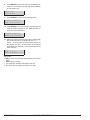
8. Press ENTER: the Display top line shows the label
of the Partition/Zone placed in test.
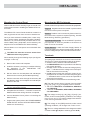
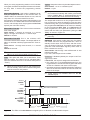
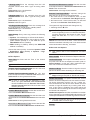
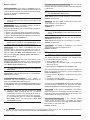
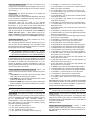
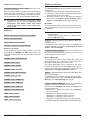
This option will allow you to test all the partition zones
without generating alarms. The Test event will be recorded in the event logger as: <Alarm - Zone under
test>.
The following events may also be recorded in the logger: keypad buzzer or activation of Output 1; or keypad
buzzer+activation of Output 1.
Zone Test is possible only when the system is
+ The
disarmed.
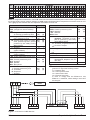
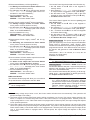
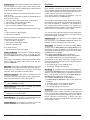
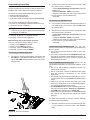
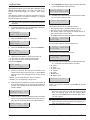
1. Access the Installer menu, as indicated in the paragraph "Access to the operations".
INSTALLER
1act. 2prg 3view
2. Select the Action option by pressing 1.
INSTALLER
ZONE test
1.1
3. Select the ZONE test option, then press ENTER.
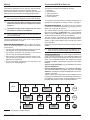
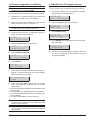
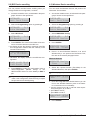
ZONE test
1=Beep_ 2=siren_
4. Select the Test Mode by pressing 1 and/or 2.
Ø 1: the alarm on zone will beep the keypads.
Ø 2: the alarm on zone will sound the sirens.
Then press ENTER.
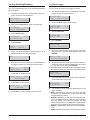
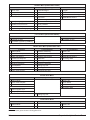
ZONE test
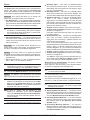
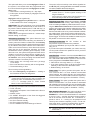
Part=-- Zone --5. Press c or d to test ALL the Zone's Partition or an
single Zone and go to the next step, or press ON to
start the test on the selected Zones and go to the
step 10.
Ø Part=: you are selecting ALL Zone's Partition;
Ø Zone=: you are selecting a single zone.
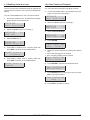
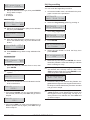
6. Select the Zone's Partition to test by pressing a or b
to scroll the Partitions or by entering the relative ID
number: the LCD top line shows the label of the selected Partition.
Label Part. -01
Part=01 Zone --7. Select the Zone to test by pressing a or b to scroll the
zones or by entering the relative ID number: the Display top line shows the label of the selected Zone.
Label Zone
001
Part=-- Zone 001
74
Label Part. -01
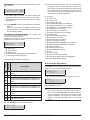
In Test ON=Start
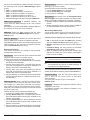
9. Go back to the step 5 to select another Zone's Partition or Zone to place in test.
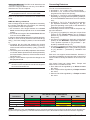
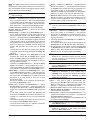
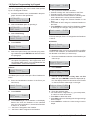
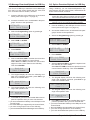
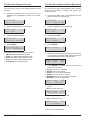
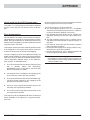
Test on going
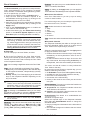
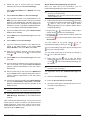
10. Perform the test on the selected zones:
Ø the keypad beeps, if enabled (refer to step 4);
Ø the siren sounds, if enabled (refer to step 4);
Ø the display upper line shows the tested zones respect to the zones to be tested;
Ø the display bottom line shows the label of the tested zone.
TEST! 001/008
Zone 001
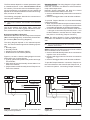
11. Press b to view the lowest tested zone.
TEST! 008/008
Zone 001
12. Press a to scroll the tested zones.
TEST! 008/008
Zone 002
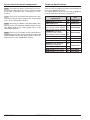
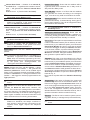
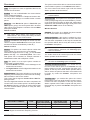
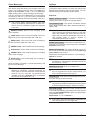
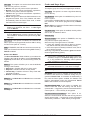
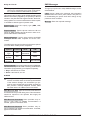
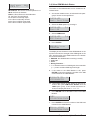
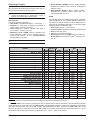
13. Press d to view the tested status for the selected zone:
an x indicates the tested status, as follow.
Ø A: Alarm
Ø o: Open
Ø s: Short circuit
Ø T: Tamper
Ø F: Fault
Ø M: Masking
Ø B: Battery Low
A o s T F M B
x _ _ _ _ _ _
Press c to go back to step 12 or press ESC to quit the
Zone Test.
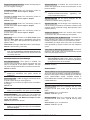
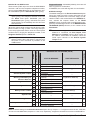
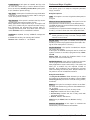
Installer Menu Timeout is suspended during
+ The
the Zone Test, giving you the time to perform the
test. The keypad exits from the Installer Menu
when you press ESC after the Installer Menu Timeout has expired.
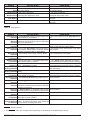
tamper continues to work properly, during the
+ The
test: information on the keypads, event logger, outputs and telephone actions.
Expandable Hybrid Control Panel