1
VII.
Startup and shutdown
A. When the Mini Tabby is powered off and you would like to turn
it on
�
Press and hold the power button for a few seconds and the Mini Tabby
will begin loading the Android software.
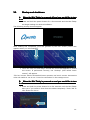
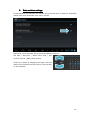
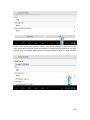
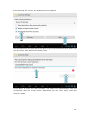
The following startup screens appear
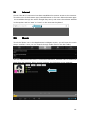
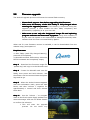
After loading has completed, you’ll be greeted by the lock screen (which also
appears when you exit standby).
�
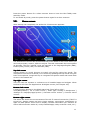
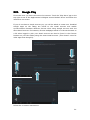
Touch the lock icon and drag it outside the circle that appears to unlock
the screen. If performed correctly, the ‘desktop’ (also called ‘home
screen’) will appear.
This lock screen blocks unintended button presses and touch screen interactions
when the tablet is not in use. It can be customized in the settings menu.
B. When the Mini Tabby is powered on and you would like to turn
it off
�
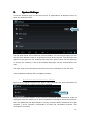
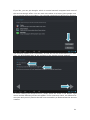
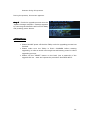
Press and hold the power button for a few seconds until the Mini Tabby
asks you if you want to shut down the tablet completely. Touch ‘OK’ to
shut down the device
10