1
EIPICT_M4_TG
Compatibility between the DOS and Windows versions
No conversion is needed when moving from CDS/ISIS DOS to CDS/ISIS for
Windows. However, formatting language functions are only 95 per cent
compatible. In some cases you may find some syntax errors appearing: you
may have to adapt your display format to the new one. In terms of the search
engine, the two versions are totally compatible: both can use the same I/F
(inverted file). The data entry worksheets are also compatible but the screens
will appear differently.
Compatibility with different Windows versions
CDS/ISIS for Windows (Winisis) is 100 per cent compatible with all Windows
Operating Systems. However, Windows NT/2000/XP users should read the
troubleshooting section of the "readme" file installed by the Winisis
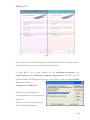
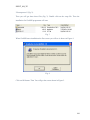
installation program. In case you get a message similar to:
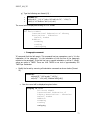
"a device attached to system is not functioning"
"cannot run 16 bit programs"
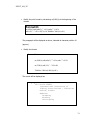
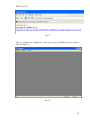
You can download the file CTL3D.DLL at:
http://www.unesco.org/isis/files/winisis/windows/CTL3D/CTL3D.DLL and
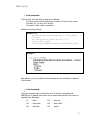
copy it into the directory:
\windows\system (for Win3.1, 95, 98, Me, XP)
\winnt\system (for Windows NT4, 2000)
Important: replace the existing file, if necessary!
Tip
Here you should mention the hardware requirements for the MS-DOS version
and the UNIX version.
You can also refresh the knowledge gained in Module 1 Lesson 2 on Computer
Hardware.
Also you should use the sample database for the MS-DOS version and
demonstrate how to access it through the Windows version.
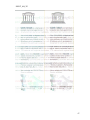
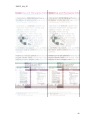
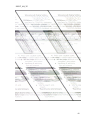
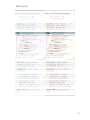
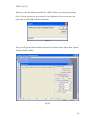
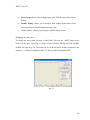
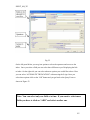
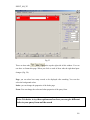
Slide 10 - 19: How to install WinISIS and run it on your Computer
Note
•
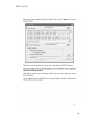
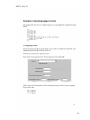
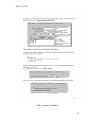
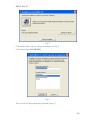
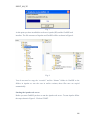
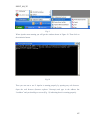
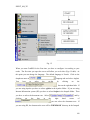
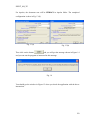
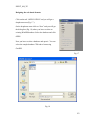
Slides 10 – 19 give the step by step procedure for installing CDS/ISIS
software.
40