1
GSK980TD Turning Machine CNC
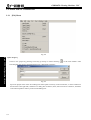
4.9.1 Create a New NC Program
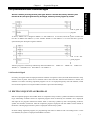
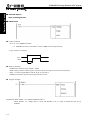
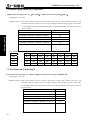
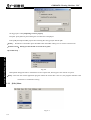
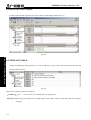
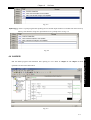
Pop-up a dialog box as Fig.4-17 after executing [New…] in Fig. 4-16 , prompting to input program name(note: O is
at program name’s home and 1-4 digits are followed).
Fig. 4-17
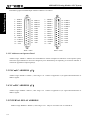
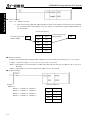
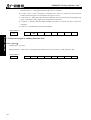
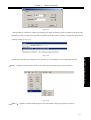
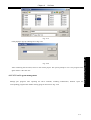
After confirming CNC part program in the workspace, the created CNC part program is displayed and is opened to
edit programs. Save them after editing the programs.
Book 3 CNC Configuration software
Fig. 4-18
4.9.2 Load to CNC Part Program
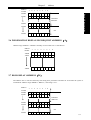
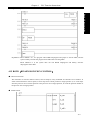
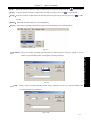
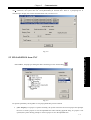
Pop-up a dialog box as Fig.4-19 after executing [Load File] in Fig. 4-16, and select the stored CNC part
program on the disk..
Ⅳ-8