1
1–4
Introduction to AtomScan+ Bar Code Readers
4.
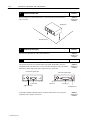
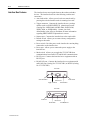
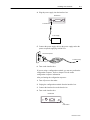
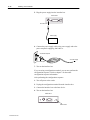
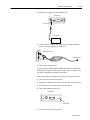
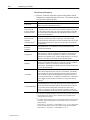
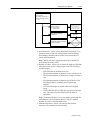
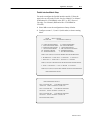
Install the interface box.
Reference
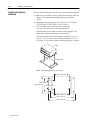
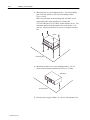
Mount the interface box to your mounting surface. Use # 6 screws with maximum penetration of
0.25 in. (6.35 mm).
Chapter 4
(Installing Your
Hardware)
Interface Box
Mounting Surface
5.
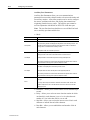
Install the power supply.
Reference
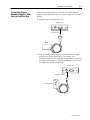
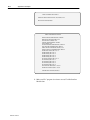
Place the power supply within 6 ft. (1.83 m) of the interface box.
6.
Chapter 4
(Installing Your
Hardware)
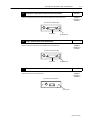
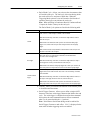
Connect the hardware components together.
Reference
Chapter 4
(Installing Your
Hardware)
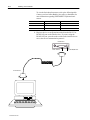
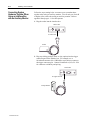
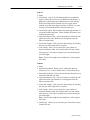
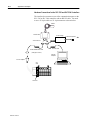
If you are using an interface box, connect the reader, power supply, package detect, and host or
configuration terminal to the interface box. If you are not using an interface box, connect the reader to
the host device, power supply, and any input or output device via a custom cable.
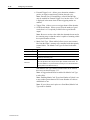
Front View of Interface Box
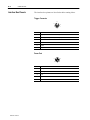
Scanner Port
Rear View of Interface Box
Power Port
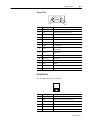
RS-232 Port
Trigger Connector
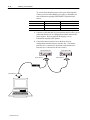
For information regarding installing the reader for use with an auxiliary monitor or in a daisy-chain
configuration, refer to chapter 4 of this manual.
Publication 2755-6.9
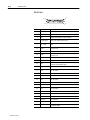
RS-485/422 Port
Chapter 4
(Installing Your
Hardware)