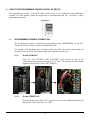
1
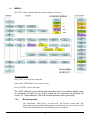
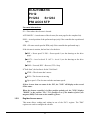
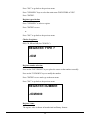
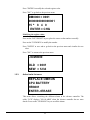
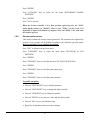
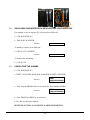
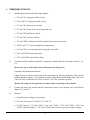
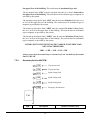
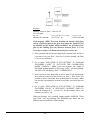
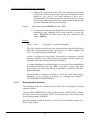
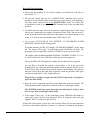
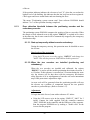
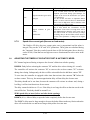
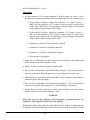
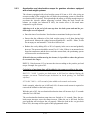
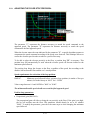
Press "ENTER". Press "UP/DOWN" keys to select the sub menu "RECORDING FLOORS POSITION". Press "ENTER". Press "UP" to activate. When the elevator controller is in a floor position registering cycle, the "LCD" utility displays what is in "DM483" where is says "IND=" on the screen. It is impossible to know if the number of magnets, door zone (DZO), is the same than the number of floors. 1.2.6. Elevator options menu: This section contains all elevator control parameters. The parameters are separated by sections. Some sections will be hidden according to the controller type and option. Refer to appendix C for a complete description. Press "ESC" to return to the previous menu. Press "UP/DOWN" keys to select the main menu "ELEVATOR & LCD SETTINGS". Press "ENTER". Press "UP/DOWN" keys to select the sub menu "ELEVATOR OPTIONS"; Press "ENTER". Press "UP/DOWN" keys to select the good option menu. Press "ENTER". Press "UP/DOWN" keys to select the good parameter. To modify an option: Press on "LEFT/RIGHT" keys to edit the parameter. Press on "LEFT/RIGHT" keys to change the digit to modify. Press on "UP/DOWN" keys to change the number. Press on "ENTER" to save the new value and exit edition mode. Press on "ESC" key to exit without saving. Repeat for all parameters that you want to change. 1-7