1
A
L
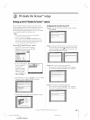
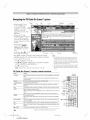
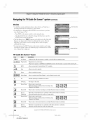
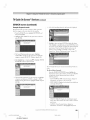
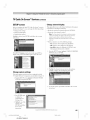
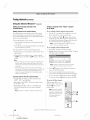
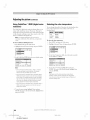
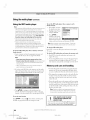
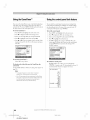
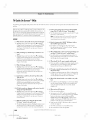
The Locks menu includes the Enable Rating Blocking, Edit Rating Limits, Channels Block, Input Lock, Panel Lock, Game Timer,
and New PIN Code features. You can use these features after entering the correct PIN code.
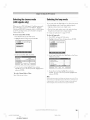
Enteringthe PIN code
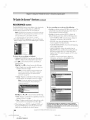
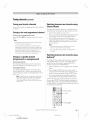
If youcannotrememberyour
PIN code
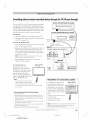
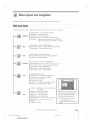
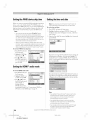
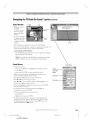
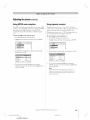
1. Press MENU and highlight the Locks menu icon.
While the PIN code entering screen is displayed, press RECALL
four times within five seconds. The PIN code will be cleared and
you can enter a new PIN code.
Input Lock
Game Timer
New PIN Code
elf
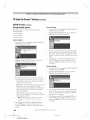
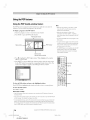
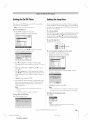
ChangingyourPINcode
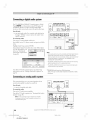
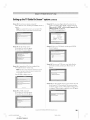
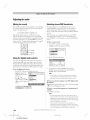
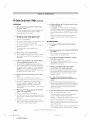
2. Press •, which displays the PIN code entry screen.
• The Lock System screen (below) appears ira PIN code has
not been stored. Press the Channel Number buttons to
enter a new fi.mr-digitcode, enter the code a second time to
confirm, and press ENTER.
Cancel
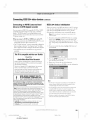
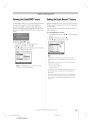
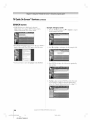
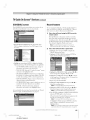
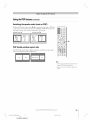
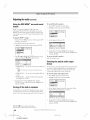
1. Press MENU and highlight the Locks menu icon.
2. Press • to display the PIN code entering screen.
3. Enter )qmrfour-digit PIN code and press ENTER.
4. Press • to highlight New PIN Code and press ENTER.
Done
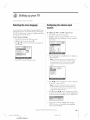
• The Locks/Active screen (below) appears if the PIN code is
already stored. Press the Channel Number buttons to enter
your four-digit code and press ENTER.
5. Press the Number buttons to enter a new four-digit code.
Retype the numbers to confirm the PIN code you entered.
6. Press ENTER. The new PIN code is now active.
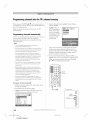
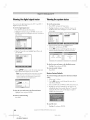
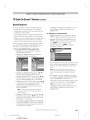
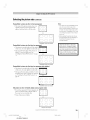
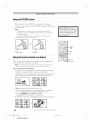
If the wrong PIN code is entered, the message "Incorrect PIN
o
'
P_
code, please tr) • %am,
appears. Highlight Retry and press
ENTER. Enter the code again and press ENTER.
When the correct PIN code is entered, the Locks menu opens.
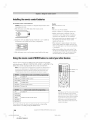
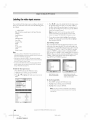
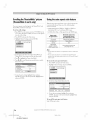
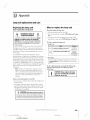
Fiont
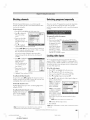
Panel
Lock
Game Timer
Off
Off
Copyright
© 2005 TOSHIBA
CORPORATION.
All rights reserved.
7/28105, 5:01 PM
#01E
093-096
566272HM195
Black
93
(E) 56/62/72HM195
93
[