1
Chapter 4
Programming the SymDec 16 plus 4
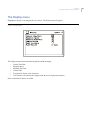
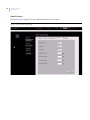
The Display menu
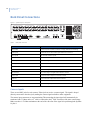
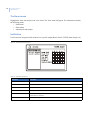
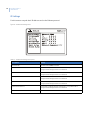
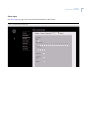
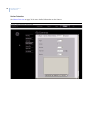
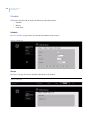
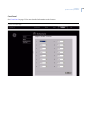
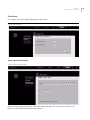
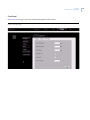
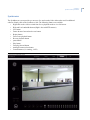
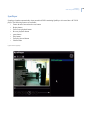
Highlight the Display icon and press the enter button. The Display menu will appear.
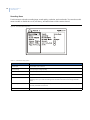
Figure 47. The Display menu
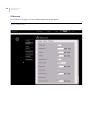
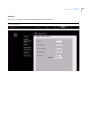
The Display menu contains the following options and their settings:
•
•
•
•
•
•
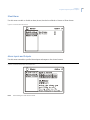
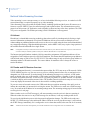
Current Time/Date
Playback Speed
Playback Time/Date
Camera Titles
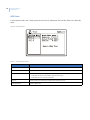
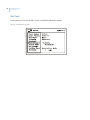
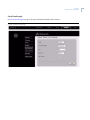
Text Insertion: Inserts serial -based text.
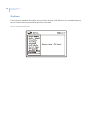
Text Timeout: 0-99 minutes (the length of time the text is displayed in minutes)
Enter a checkmark in the box to enable.
69