1
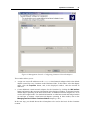
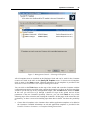
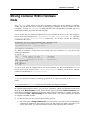
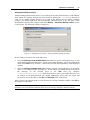
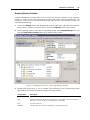
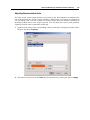
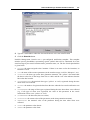
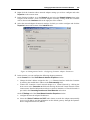
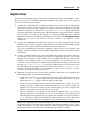
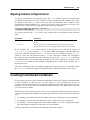
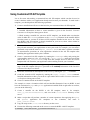
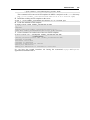
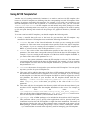
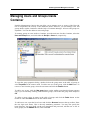
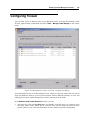
Operations on Container 72 When a Container administrator backs up their Container by means of Parallels Power Panel, the corresponding backup is automatically placed on the default Backup Node. There are no restrictions as to which Hardware Node may be the default Backup Node. It just must be registered in Parallels Management Console (otherwise, it will not be displayed in the table on the Backup Storage screen) and have sufficient disk space for housing multiple backups. Notes: 1. You can use any Hardware Node as a Backup Node irrespective of a Parallels Virtuozzo Containers version installed on this Node. So, you can back up a Container from the Node running the Parallels Virtuozzo Containers 32-bit version and store it on the Node running the Parallels Virtuozzo Containers 64-bit version and vice versa. 2. If you use Parallels Management Console 3.0 to set the default Backup Node for a Hardware Node running Parallels Virtuozzo Containers 4.6, this setting will not be taken into account by Parallels Management Console 4.0.